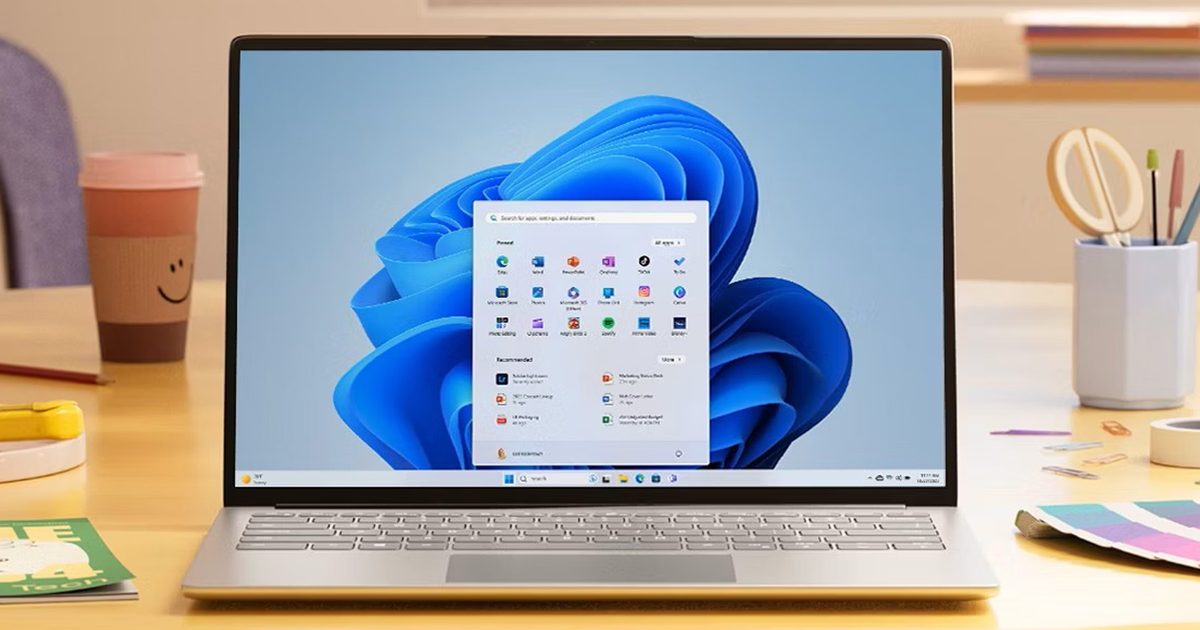

If you’ve ever clicked on the Start button and watched the menu appear after a second or two, you already understand the problem Microsoft is trying to solve with its June 2026 Windows 11 update.
The update (KB5094126) rolled out on June 9, 2026, for WIndows 11 24H2 and 25H2, and targets the shell responsiveness issues that have quietly frustrated users since its launch in 2021. The headline change is the broad rollout of the Low Latency Profile.
What is Low Latency Profile and why does it matter?
It’s something that Microsoft first tested in the May 26 preview build (with limited availability) before promoting it to the stable channel (with broader availability) this month.
The way it works is that the Low Latency Profile briefly spikes the CPU frequency to its maximum for one to three seconds, providing an additional burst of performance whenever you interact with the core system features, including the Start menu, Search, Action Center, and taskbar flyouts.
The burst is short enough that it doesn’t meaningfully impact battery life or thermals, but substantial enough that the shell responds immediately rather than after half a second, making those core system features feel more responsive.
With the Low Latency Profile, system flyouts can open up to 70% faster, and core apps can launch up to 40% quicker compared to the same hardware running the previous build. The performance gains are most visible on older or lower-spec machines that barely cleared Windows 11’s hardware requirements and have felt sluggish ever since.

What else is new in the June update?
Shared Audio now lets two people listen to audio from a single Windows 11 PC simultaneously via Bluetooth LE Audio. The Windows Task Manager gets new NPU usage columns, making it easier to see how your neural processing unit is being used during on-device AI tasks.
Multiple apps can now access the same camera stream simultaneously. In addition, Windows Search now finds local files with as few as two characters, which, as far as I understand, is a quality-of-life improvement for daily users.
Windows Setup now lets you choose a custom user folder name during initial installation. Windows Hello has also been refined to consistently fall back to face or fingerprint-based sign-in after alternative methods have been used.
You shouldn’t hold off on installing the update, as it includes the June 2026 Patch Tuesday fixes for more than 200 security vulnerabilities.
Read the full article here