



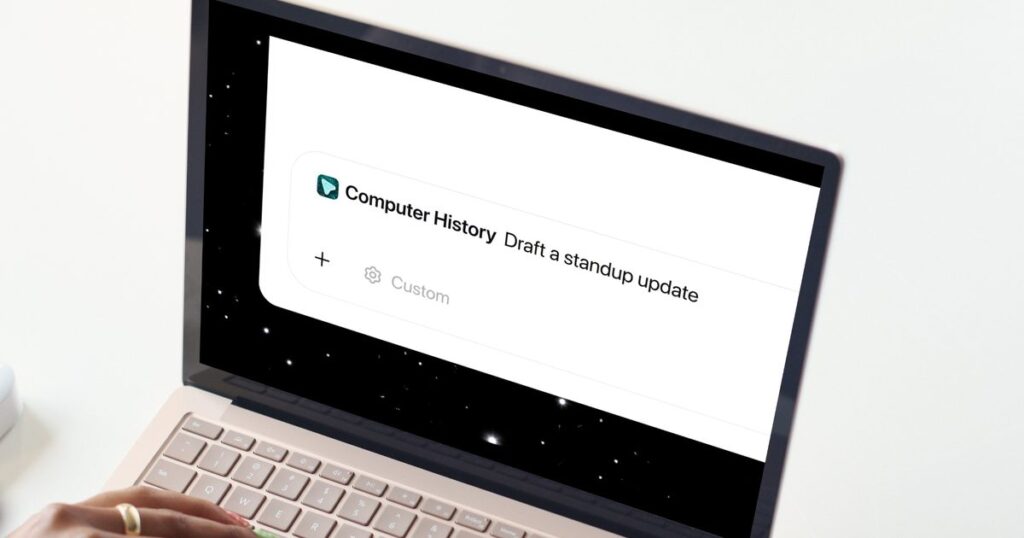

OpenAI just rolled out Computer History for the ChatGPT desktop app, and if you found Chronicle interesting but a little too screenshot-happy, this update should ease your mind.
What does Computer History do?
Instead of taking screenshots as Chronicle did, Computer History tracks your clicks, keystrokes, and app switches through macOS’s accessibility system, then turns all that activity into text summaries and a timeline you can scroll through. Think of it as ChatGPT quietly taking notes on your day so it can help you out later.
Once it’s turned on, you can ask ChatGPT things like what you were working on before your last break, or where that…
Read the full article at DIGITALTRENDS.COM