




If you have ever installed a new app on a Mac, you already know the slightly tedious dance that comes with it. You download a DMG file, double-click it, wait for the virtual disk to mount, drag the app icon into your Applications folder, and delete the leftover file. This installation method has barely changed since it debuted alongside Mac OS X back in 2001, and developer Jeff Schumann finally got fed up enough to fix it himself.
How EasyDMG simplifies the process of installing apps on Mac
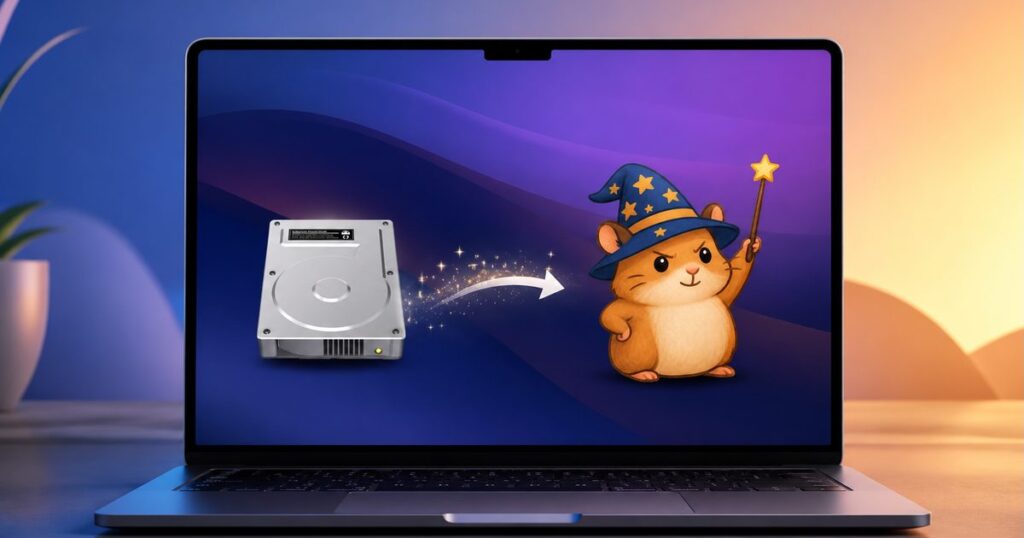
Schumann built EasyDMG, a free, open source utility with a fittingly self aware slogan, “Created out of spite.” He says that the setup takes about two seconds. You just have to open the app, click “Set as Default for DMG Files,” and macOS starts handing every future DMG straight to EasyDMG instead of the built-in DiskImageMounter. So, a simple double-click can install applications, much like how installers already work on Windows.
EasyDMG automatically mounts the disk image, runs the same Gatekeeper security checks Apple’s own installer performs, copies the app into your Applications folder, then unmounts and deletes the DMG file for you. A small progress window shows each step happening in real time, though you can swap that for a simple notification or turn off visual feedback entirely if you prefer.
Is EasyDMG safe to use?
EasyDMG only runs for the few seconds an installation actually takes, then quits completely, so it never lingers in your dock or menu bar like a typical background app. Privacy-wise, it sends no analytics or crash reports anywhere; the only network request it ever makes is checking for software updates.

It is also signed and notarized directly by Apple, meaning macOS trusts it automatically without security warnings. You can download EasyDMG for free, and it is built specifically for macOS 13 and later.
EasyDMG is not the only tool addressing this long-standing annoyance either. You can check out our roundup of the best Mac utilities to resolve other pain points on macOS, In fact, a single utility app can transform your entire Mac experience if you find the right one.
Read the full article here