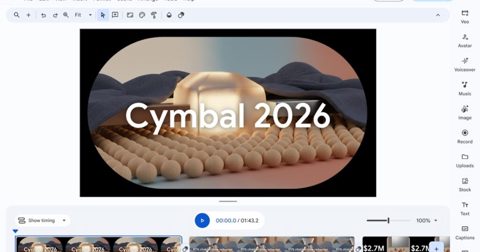






If you have ever generated an image with Gemini and gotten annoyed by that stamped-on watermark, Google finally heard you. Gemini is rolling out a new setting called Media Watermarks that lets you toggle visible watermarks on or off across everything you create, including images made with Nano Banana, videos made with Omni, and music made with Lyria. Until now, that visible watermark was applied automatically with no way to turn it off.
How to turn off AI watermarks for Nano Banana, Omni, and Lyria in Gemini?
The steps to turn off AI-generated watermarks are straightforward. Head into Gemini’s settings, select Media Watermark, and simply…
Read the full article at DIGITALTRENDS.COM