



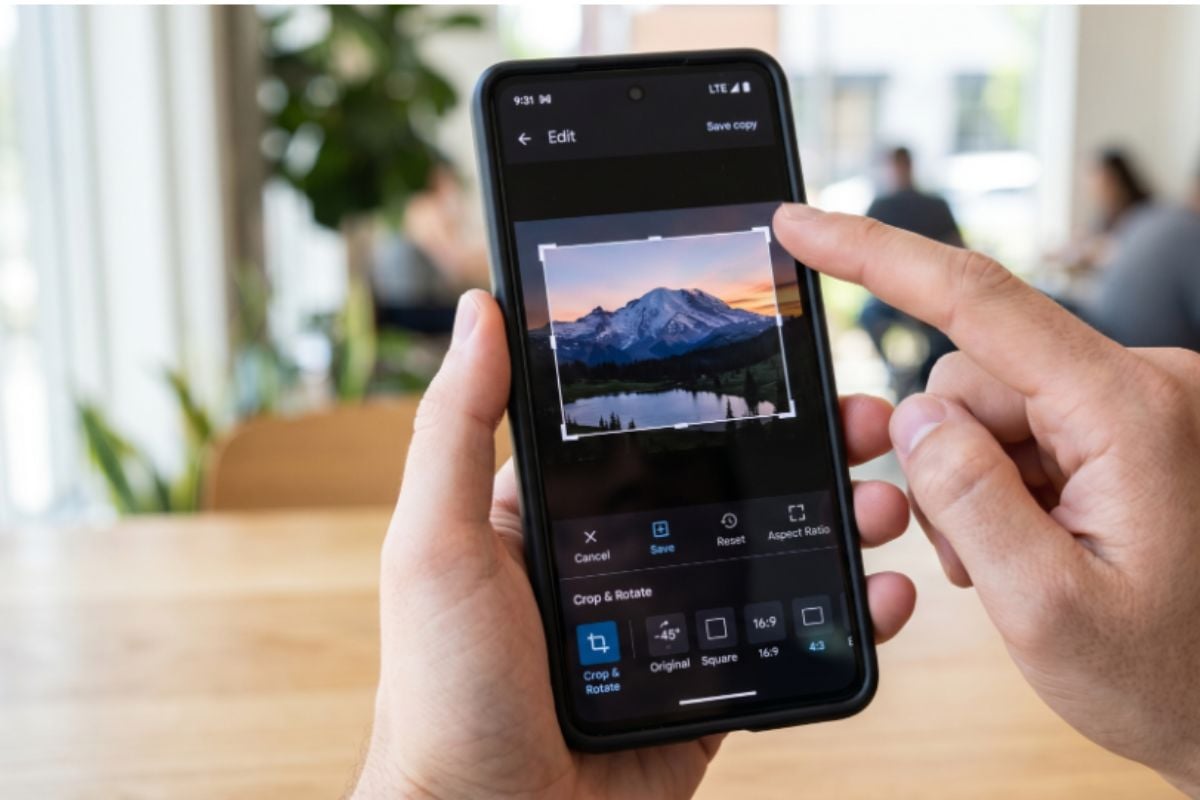

Cropping a photo should be quick and easy. For some Google Photos users on Android, it has been anything but, with shrinking previews and awkward rotations that get in the way of simple edits.
Google is now addressing those frustrations with a set of updates focused on its crop tool. The changes fix long-standing bugs and introduce smoother animations, making everyday edits easier. While not flashy, the update matters for millions of users who rely on Google Photos for quick, on-device image adjustments.
Small fixes, noticeable impact
Google said it rolled out the improvements after user feedback highlighted reliability issues in the crop tool. The update focuses on fixing behavior that made basic edits feel inconsistent.
“We fixed an issue where the image preview shrank when you pull the crop handles,” the Google Photos team stated.
We fixed a bug that caused the photo’s shape to flip or change unexpectedly when you were rotating and cropping at the same time,” the support page also mentioned.
Google adds tools for more responsive editing
Beyond bug fixes, Google introduced more fluid animations across the crop tool. According to Android Authority, the updates add smoother animations for dragging, rotating, and adjusting aspect ratios.
Google emphasized that the new experience delivers fluid, responsive animations during editing. While subtle, this change improves how edits feel in real time, especially on touch screens.
9to5Google noted that the update is rolling out now and builds on a broader editor redesign introduced in September 2025, which made cropping tools more prominent in the interface.
Why this update matters
This update is not a headline feature, and that is the point. Google Photos already offers advanced tools like Magic Editor and AI enhancements, but basic editing functions still see the most daily use.
By fixing bugs and refining the user experience, Google is improving the reliability of a feature users constantly rely on. Fewer editing problems can reduce friction and expedite basic tasks for teams that handle mobile content daily.
The changes focus on improving stability and responsiveness in the crop tool. Google said the update is rolling out now to Android users.
Explore six of the best Gemini AI photo editing prompts designed to enhance selfies, product images, and portraits with polished, professional-looking results.
Read the full article here