

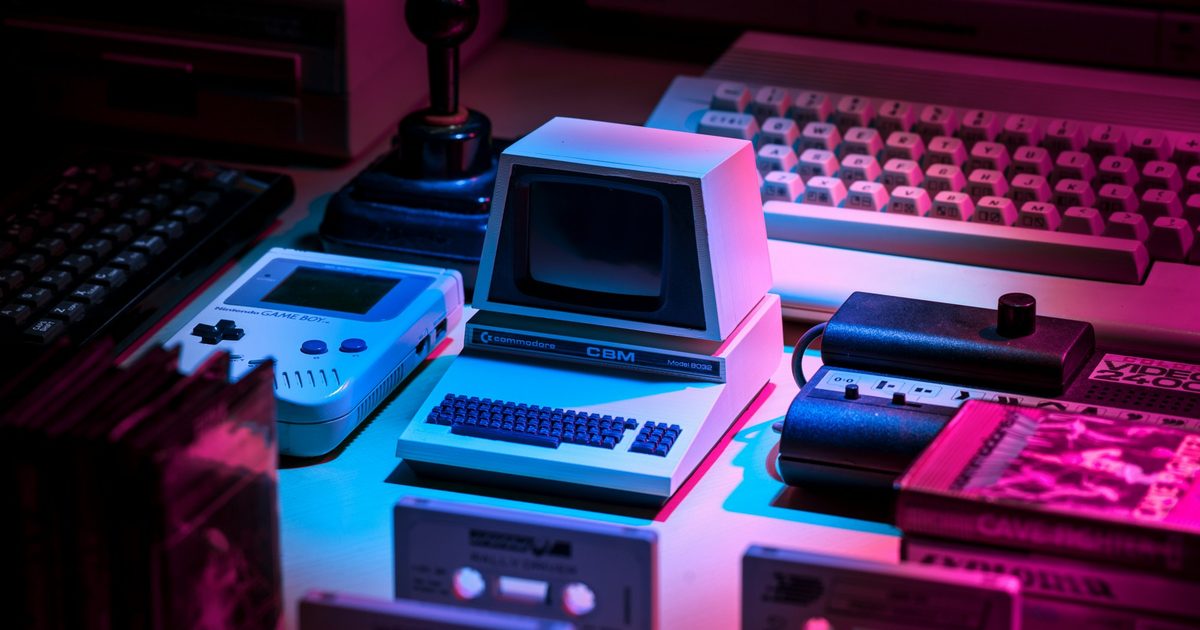

If you feel like every OS now feels too polished, flat, and boring, there’s a new museum that takes you down a rabbit hole of all the vintage computers. Virtual OS Museum, curated by Andrew Warkentin, is an interactive virtual museum of operating systems and standalone applications running under emulation.
This is not just a gallery that shares still snapshots of the retro software. The museum is built as a Linux VM for QEMU, VirtualBox, or UTM, with a custom launcher and preconfigured installations that are meant to boot without forcing users to manually wrangle ancient setup files and emulator settings.
A playable archive of computing history
As of right now, the Virtual OS Museum lists over 1,700 installs, more than 250 platforms, and upwards of 570 distinct operating systems, which span from the Manchester Baby in 1948 to more modern historical software. The catalog includes early mainframe systems, CTSS, early Unix, Xerox Star Pilot/ViewPoint, classic MacOS, DOS, OS/2, BeOS, Windows from 1.0 through early Longhorn betas, PalmOS, Newton OS, early Android, iOS where emulation allows, and plenty of obscure systems most people have never touched.
This is less of a nostalgia gimmick and more like a playable history book for anyone interested in how modern computing got here.
It’s really easy to try out
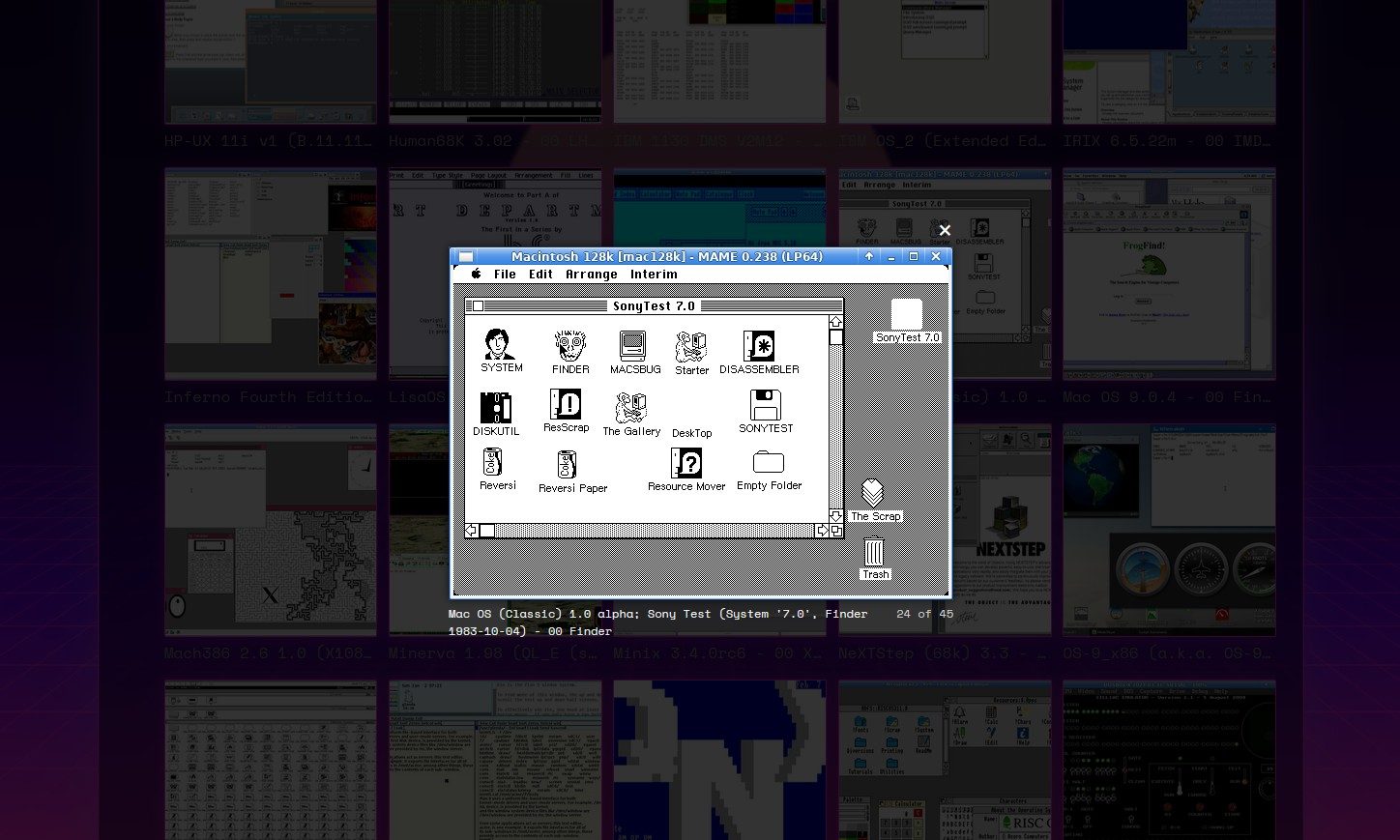
The museum exists because old software is often painful to run properly. Some operating systems only work with specific emulator versions, while others need patched emulators or take days to rebuild from original media. Warkentin says the goal is to make that history “reachable”. So users can click an entry and run it with software from the era already loaded, where possible.
There’s just one tiny fine print here. Virtual OS Museum doesn’t run on a browser. The full edition is a massive 121GB zipped download, which goes up to 174GB when unzipped (still smaller than Black Ops 7). Thankfully, there is a lite version, which is a 14GB zipped file and downloads images as needed.
Read the full article here