





Brave has added Containers to its desktop browser, giving users a built-in way to keep different accounts, sessions, and browsing activity separate. The feature is available in Brave 1.92 for Windows, macOS, and Linux, and is rolling out in phases over the next few days.
Containers have been a highly requested feature, especially for users who regularly switch between work, personal, developer, or creator accounts. Once enabled, they let users open tabs in separate spaces where cookies and site storage are not shared outside that container.
What Containers are useful for
The feature is mainly about keeping different browsing identities apart. For example, someone managing social media accounts can stay logged into two accounts on the same site at the same time. A developer can test an app as an administrator in one tab and as a regular user in another. A person signed into a work Google account can open YouTube in a separate container so that activity is not tied to that work session.
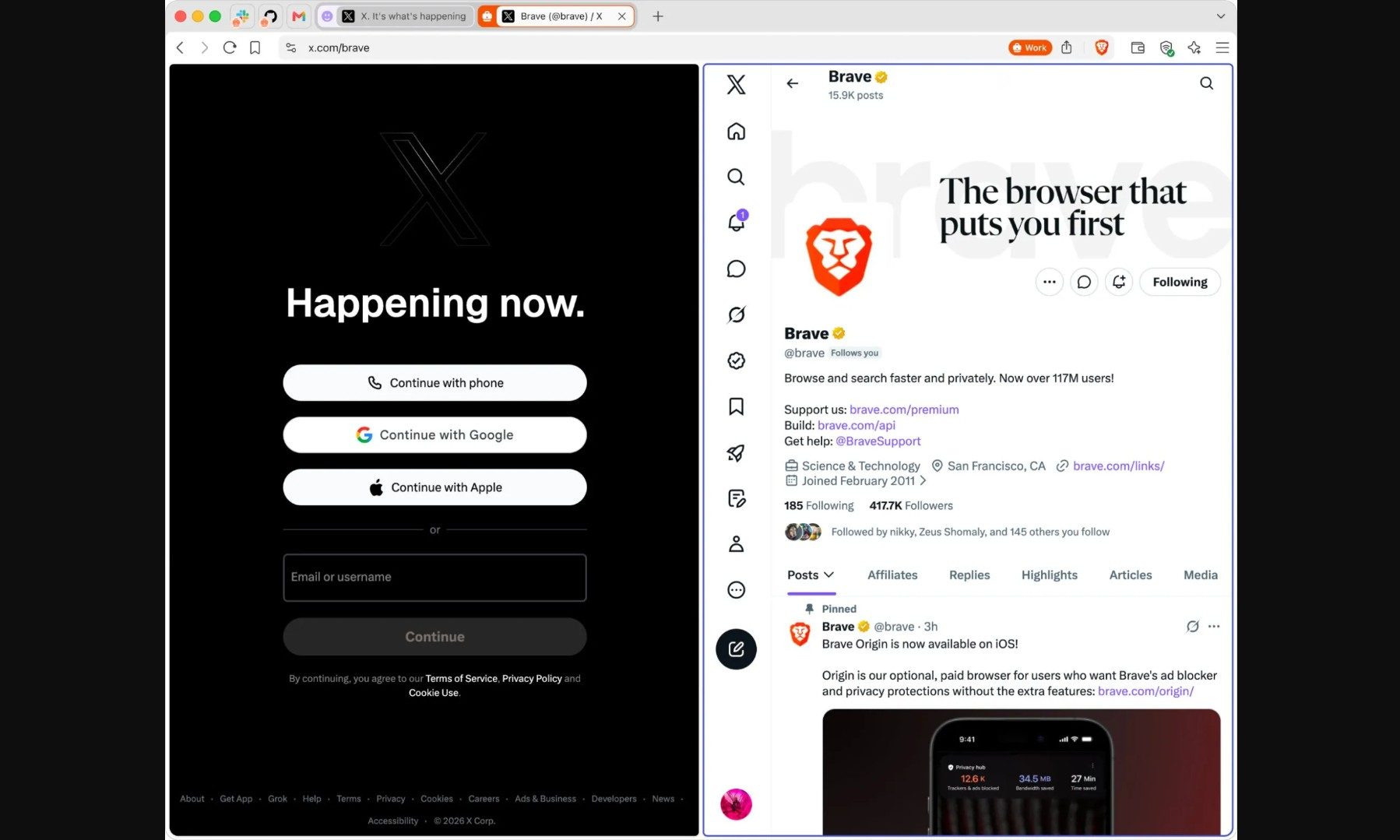
Brave says Containers should be viewed more as a convenience and workflow feature than a major new privacy system. The browser already uses storage partitioning to isolate sites and third-party requests, which helps limit cross-site tracking. Containers are meant to give users more control over how individual sites see them across different tabs. Users can turn on the feature from Brave’s settings page. After that, they can right-click a tab, choose “Open in container,” and select a container category.
Firefox already offers something similar
Brave is not the first browser to offer this kind of tab isolation. Firefox has long offered Multi-Account Containers through an official extension, while some Firefox-based browsers, such as LibreWolf, Floorp, and Zen Browser, also support container-style workflows.
The more notable part is that Brave is bringing Containers to a Chromium-based browser. Until now, users who wanted this kind of tab isolation often had to rely on Firefox or Firefox-based options. That has been frustrating for people who like Containers but prefer Chromium because some websites are designed and tested primarily around Chrome-like browsers.
Read the full article here