



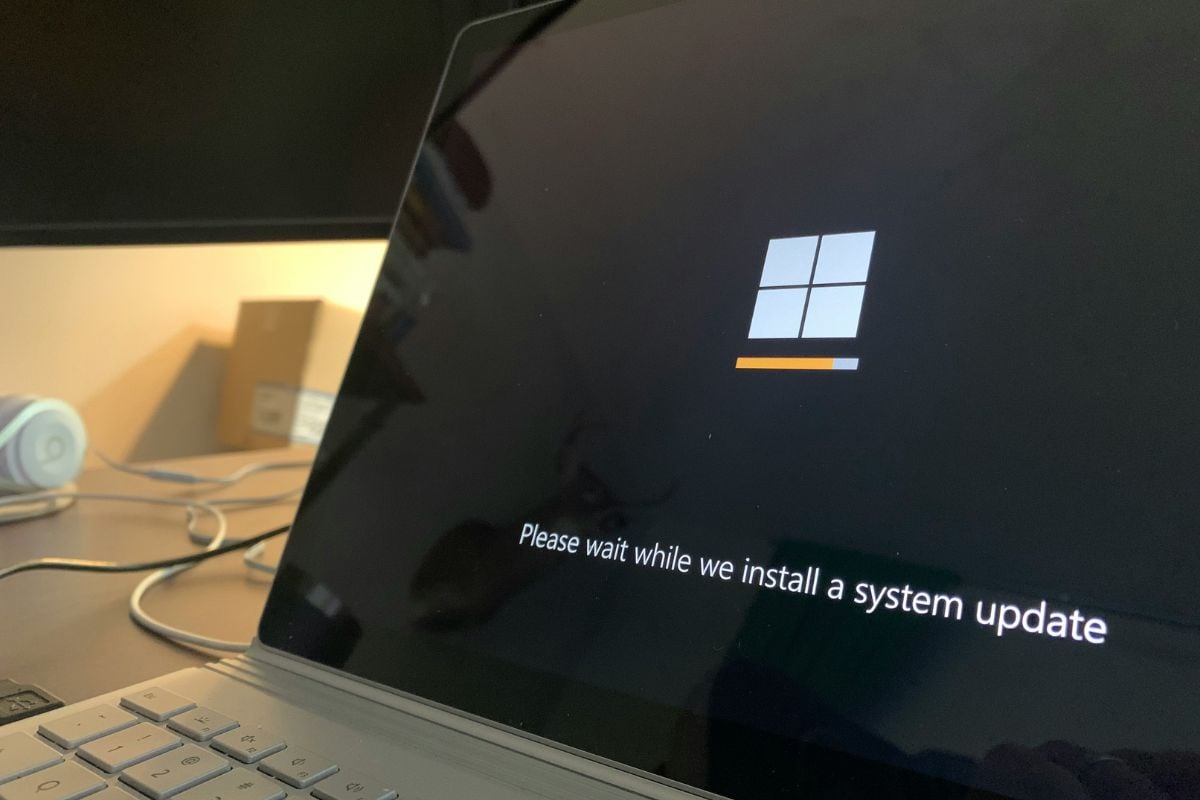

Six months in, millions of PCs are now running an operating system that Microsoft no longer protects.
Windows 10 officially lost mainstream support on Oct. 14, 2025, after a decade of dominance on desktops and laptops worldwide. Microsoft issued its final free security patch that day, and since then, any vulnerabilities discovered in the OS go unpatched, unless you’re paying, or you’ve already moved on.
Up to 500 million users remain on outdated Windows 10 system
Estimates put the number of users still running Windows 10 at as many as 500 million as of the deadline. In the UK alone, research cited by GB News put that figure at 21 million people, with roughly 5 million Britons saying they planned to carry on regardless.
And 240 million of those PCs worldwide reportedly cannot even upgrade to Windows 11, due to strict hardware requirements, most notably the requirement for a TPM 2.0 security chip, which many machines built before 2016 simply don’t have.
So where does that leave you? With a handful of options, ranging from completely free to expensive. Here’s what each one actually means.
Check if your PC can run Windows 11 and upgrade for free
This is the most obvious route, and for many people, it is available without spending a penny.
If your machine meets the minimum spec for Windows 11, which includes a 64-bit processor with at least two cores, 4GB of RAM, 64GB of storage, DirectX 12 graphics support, and, importantly, a TPM 2.0 chip, Microsoft will let you upgrade at no charge.
The easiest way to find out is to use Microsoft’s free PC Health Check tool, which scans your hardware and tells you straight away whether you’re eligible.
If you are, head to Settings > Windows Update and follow the prompts. The upgrade typically takes under an hour.
The sticking point for many older machines is TPM 2.0. This security chip is standard on most computers made from around 2016 onwards, but anything older is often left out.
If your PC was built after 2016 and passes the health check, this is your cleanest and cheapest option. Take it.
Buy a new PC or rent a virtual one
If your hardware genuinely cannot make the jump to Windows 11, Microsoft’s advice is to buy a new machine.
That is a bitter pill for anyone sitting in front of a perfectly functional laptop, but it is worth acknowledging that modern Windows 11 hardware, especially the newer Copilot+ PC range, offers real improvements in performance, security, and AI features.
New-build PCs and laptops now ship exclusively with Windows 11 preinstalled. You will not find Windows 10 on anything coming out of a shop today.
For businesses that cannot afford the upfront cost of new hardware, ZDNet highlights an alternative: Microsoft’s Windows 365 subscription, which lets users connect to a cloud-hosted Windows 11 PC remotely.
Plans start at $28 per month. It is not cheap, but it may be less than buying new devices outright, and it bundles extended security updates for the host PC for up to three years.
If you do go the new-PC route, it is worth looking at trade-in schemes from retailers, which can offset some of the cost of your old Windows 10 machine.
Sign up for Extended Security Updates, free or paid
For anyone not ready to move on immediately, Microsoft built a safety net called the Extended Security Update (ESU) programme. Under this scheme, you continue to receive critical security patches for Windows 10 even after the end-of-support date.
Coverage runs from Oct. 15, 2025, through Oct. 13, 2026, a one-year window, and no more for personal users after that.
The standard price is $30 per device. But Microsoft also offered two free routes.
One is to enable Windows Backup to sync your files to the cloud via OneDrive. The other is to redeem 1,000 Microsoft Rewards points, which can be earned by using Bing for a few days. You can access these options in Settings > Windows Update after updating to the latest available Windows 10 build.
Be clear about what you are getting: security patches only. No new features, no bug fixes, no design changes, and no tech support from Microsoft. It is a sticking plaster, not a long-term plan.
For businesses, the picture is considerably worse. Enterprise pricing starts at $61 per device for year one, doubling each subsequent year, meaning a three-year ESU subscription costs $427 per machine. For organisations with large fleets, that adds up very quickly.
Switch to ChromeOS Flex: Google’s $3 revival kit
Google has stepped in with one of the more creative responses to the Windows 10 crisis. In partnership with the refurbished-tech platform Back Market, the company launched a physical ChromeOS Flex USB Kit earlier this month, available for just $3 (or £3/€3), aimed at people who aren’t particularly technical and want a simple, guided way to breathe new life into an older machine.
ChromeOS Flex is free to download and has been for some time. But this kit bundles physical guides and video tutorials to walk users through the process, with Google explicitly saying the goal was to “demystify” the switch for those who might otherwise struggle.
Machines running ChromeOS Flex boot in under 10 seconds, and because most processing happens in the cloud, performance stays snappy even on ageing hardware.
The trade-offs are real, though. ChromeOS Flex does not support Android apps, and for anyone who relies on Windows-specific software for work or who does heavy local processing, it may not be a practical fit.
It is best suited to people whose computing lives revolve around a browser, email, and cloud-based tools. For that group, it could feel like an upgrade.
This remains a pilot programme, with kits available in limited quantities. Google has indicated it will scale up production if demand warrants it.
Make the jump to Linux
For those willing to invest a bit of time, switching to a Linux-based operating system is a legitimate, free way to keep older hardware running indefinitely.
The open-source OS receives regular security updates, and a growing number of distributions are designed specifically to ease the transition for Windows users.
Perhaps the most compelling data point comes from Zorin OS 18, a Linux distribution built to mimic the look and feel of Windows. Released on the same day Windows 10 lost support, it crossed 2 million downloads in under three months.
Zorin Group confirmed on its official X account that more than three-quarters of those downloads came from Windows users. That works out to roughly 1.5 million people who have at minimum given a Windows alternative a serious look, whether as a permanent move or an exploratory test run alongside their existing setup.
The honest caveat: Linux is not for everyone. If you depend on Windows-only software, certain creative tools, accounting packages, or legacy business applications, the transition requires more planning. But for everyday tasks like browsing, streaming, email, and document editing, most users find they barely notice the difference.
Stay on Windows 10 but use a third-party patch service
This is the option for those who have decided, for whatever reason, that they are staying put and want to do so with at least some protection in place. Microsoft has stopped patching Windows 10, but a third-party security firm called 0patch has not.
0patch offers a service that fills security gaps in unsupported software, including Windows 10. Its free personal plan that covers known zero-day vulnerabilities.
For full Windows 10 patch coverage or for business use, the Pro plan costs €24.95 per device per year, which at current exchange rates works out to under $2.50 a month.
This is not a strategy anyone should rely on indefinitely, and it is particularly unsuitable for PCs used for sensitive tasks like online banking or work data. But for a machine used casually at home for streaming or light browsing, it may be an acceptable short-term measure while you figure out your longer-term plan.
The bottom line: everyone needs to take action, but the choice is up to you
The worst option here is doing nothing at all while connected to the internet, and yet that is exactly what millions of people are doing. Windows 10 still works. Files still open, browsers still load, videos still play. The risk is not visible until it is too late.
For most home users with a reasonably recent PC, the path forward is clear: check if Windows 11 is available for free, and take it if it is. If your hardware can’t make the grade, ChromeOS Flex and Linux offer capable alternatives that cost you nothing but a bit of setup time.
And if you are staying on Windows 10 for now, at the very minimum, make sure you have a clear exit plan before the ESU window closes for good.
Read more about how users can effectively use Microsoft PowerShell across Windows, Linux, and macOS, so you’re ready to roll on whichever operating system you choose.
Read the full article here