



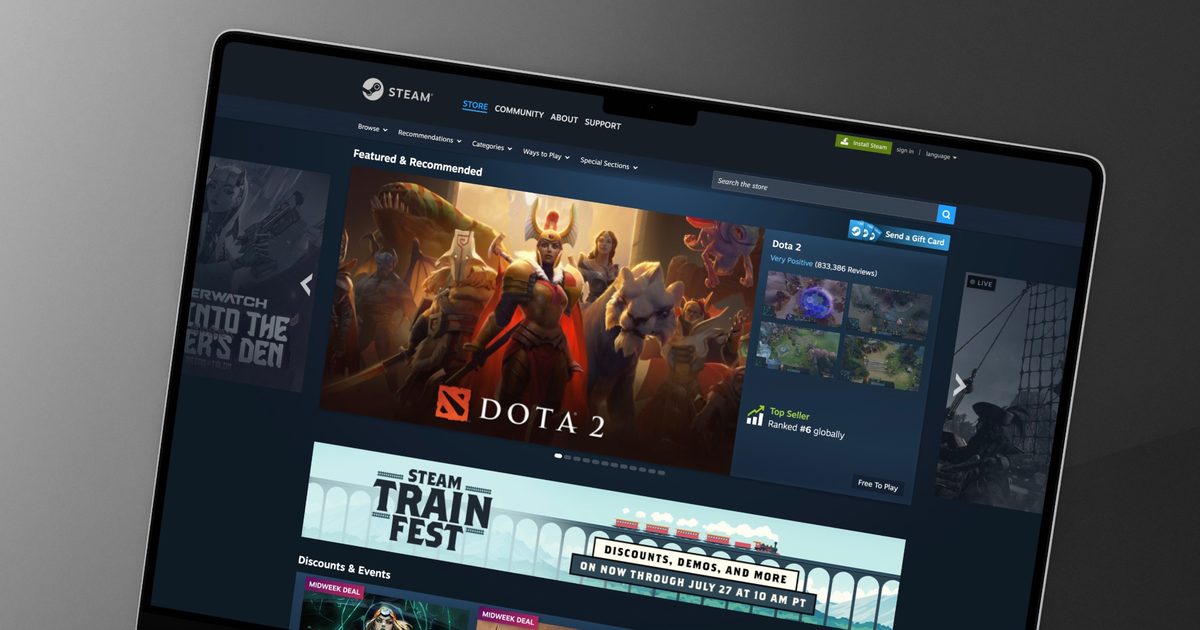

Right on the heels of launching its anticipated Steam Machine gaming system, Valve has rolled out a solid update for Steam that tackles two things players have wanted improved for a while: gifting and wishlists. Let’s break down what’s new.
How much easier is gifting now?
My favorite part of the update is that game gifting is getting a lot easier. Guest checkout used to only work for gift cards and hardware, but now it covers every game on Steam. If someone shares their wishlist with you, you can buy them a gift without ever creating an account.
Want to keep it a surprise instead? You can now send both games and gift cards straight to an email address, even if you don’t know the person’s Steam username. Just keep in mind that unclaimed gifts get refunded after 30 days, and the recipient needs to live in your country.
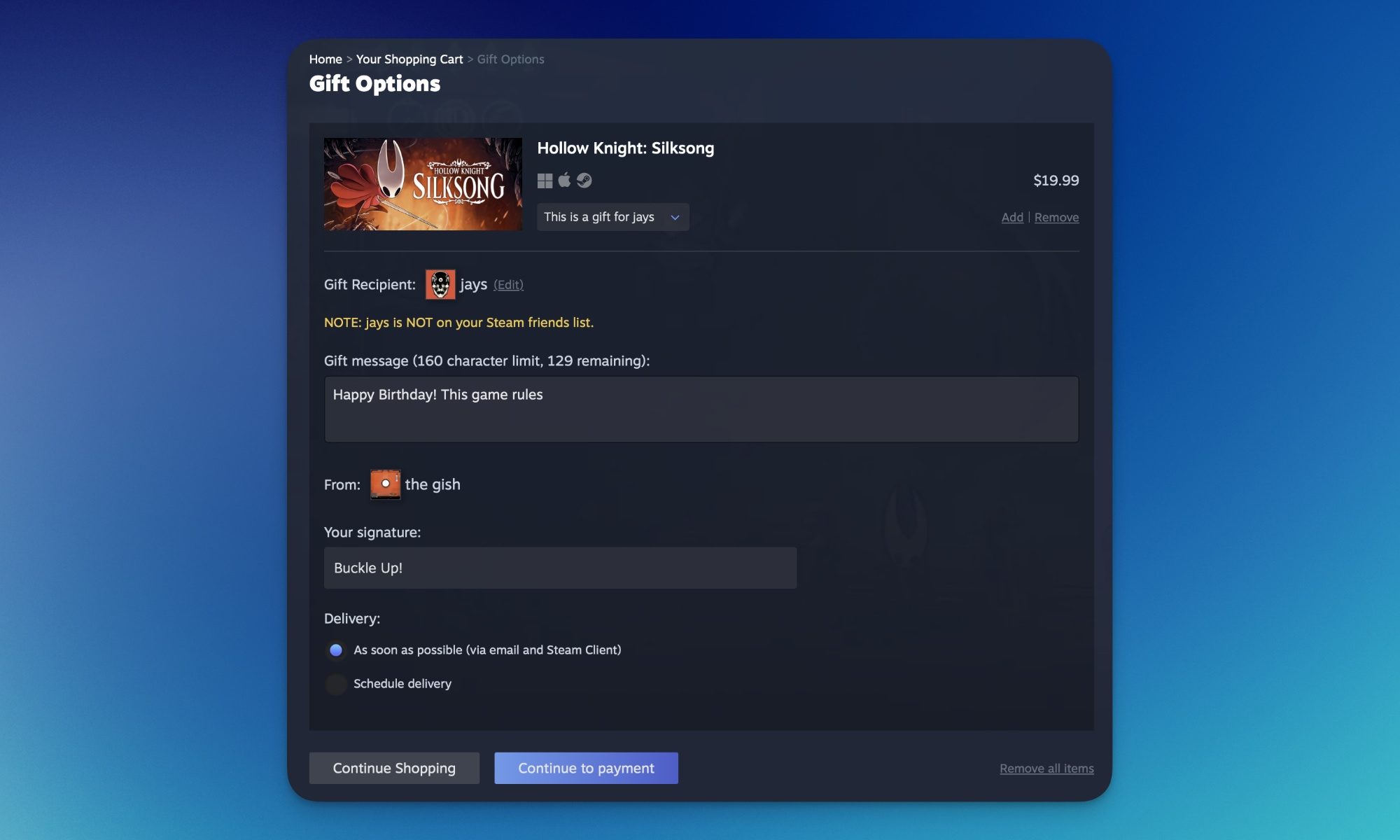
Cross-region gifting also got a much-needed fix. Buying for a friend in a pricier region used to mean manually figuring out local pricing for a gift card. Now Steam handles the conversion automatically at checkout, as long as your friend is already on your friends list.
What’s new for organizing your wishlist?
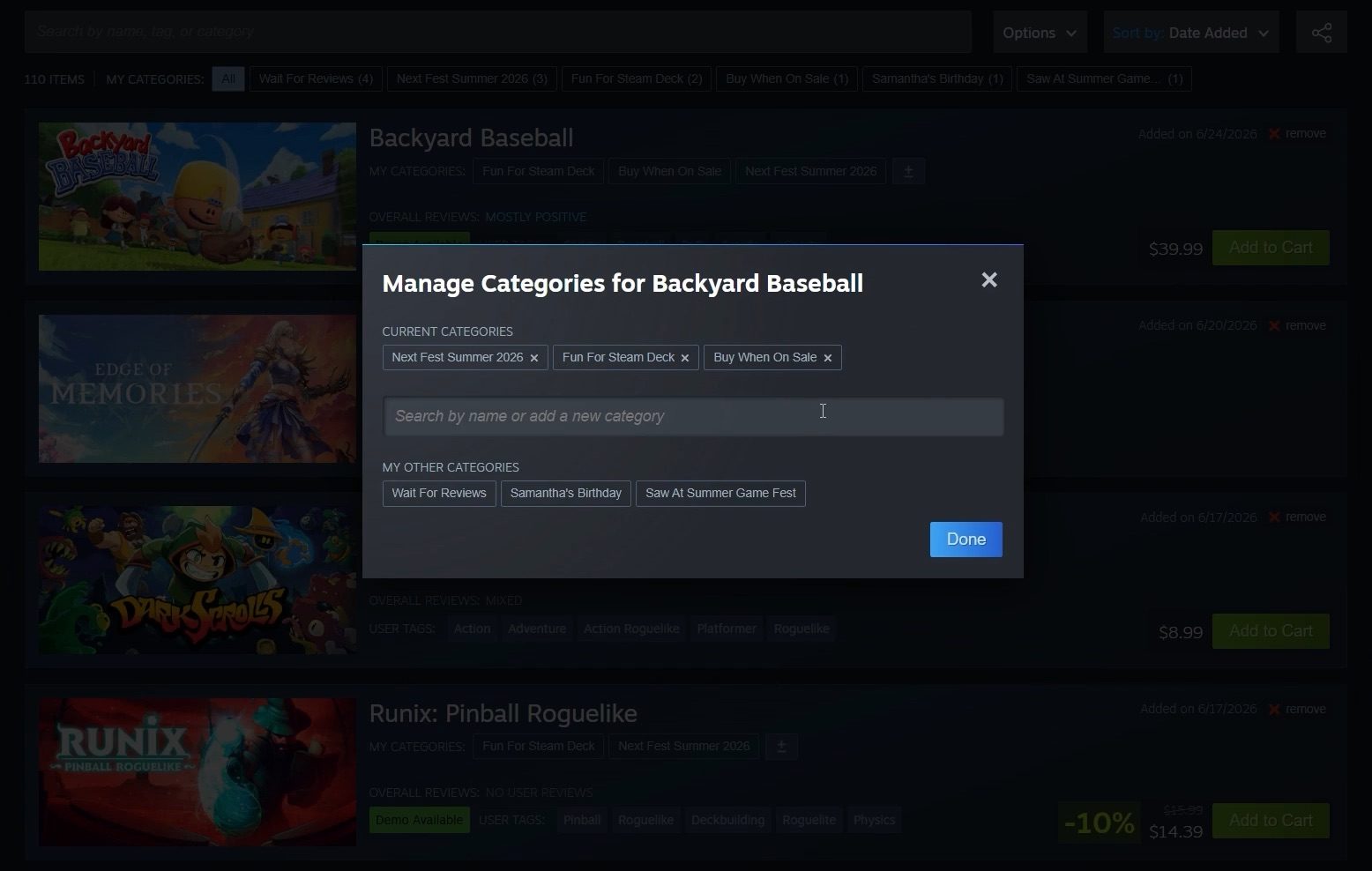
Steam has finally added custom categories, allowing you to sort and filter your wishlist items. You can filter by category with one click, add games to your favorite categories right from the store page, and even set notifications for specific categories only.
Valve says that search has become faster too, with autocomplete added for quicker results. Steam now flags when a wishlisted game has a demo available, and hovering over a game’s capsule shows a quick microtrailer.
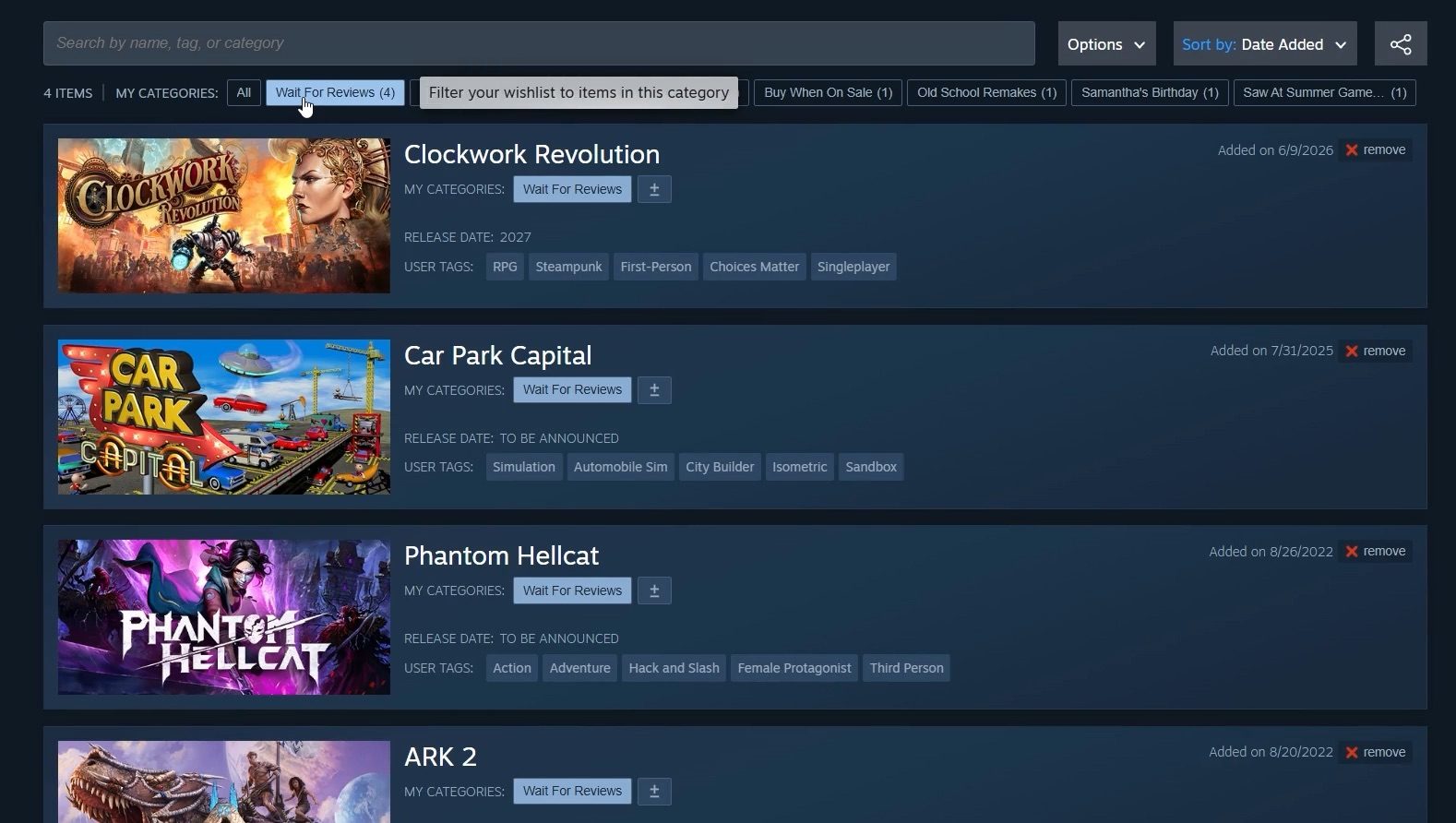
Sharing is better as well. You can generate a link to your entire wishlist or just a filtered category, and friends can gift straight from that link without needing a Steam account themselves. Between the smarter wishlist tools and the simpler gifting options, buying and managing games just got a lot less complicated.
Read the full article here