

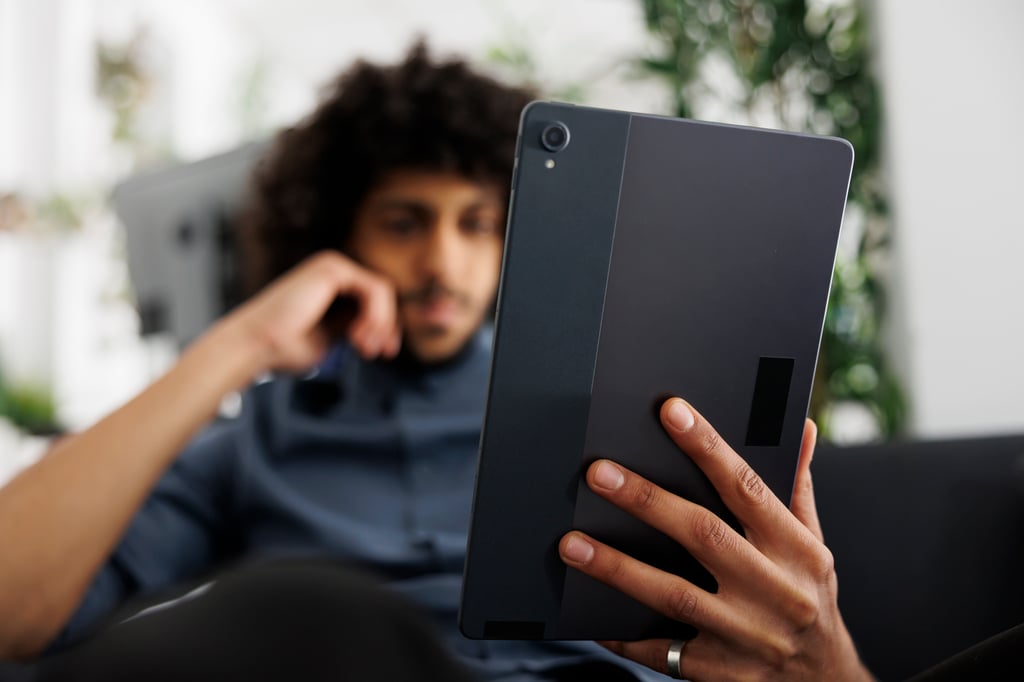

A Chrome update is locking some Android tablet users out of the browser before a single page loads, showing a “You can have up to 5 windows” message before the app closes. Reports have linked the issue to Samsung, Lenovo, and Xiaomi tablets running Chrome version 148.0.7778.178.
The bug matters for IT teams because Chrome is often the default browser on shared and managed Android tablets used in education, retail, field services, and frontline operations. Google has asked affected users for device details, but it has not published a fix timeline.
Google released Chrome for Android version 148.0.7778.178 on May 19, 2026. A May 27 Android update, Chrome 148.0.7778.215, does not explicitly mention the tablet launch bug.
Which Android tablets are affected by the Chrome bug
Chrome shows the “You can have up to 5 windows” message and closes before users can reach their tabs, settings, or home screen. Android Police reported that the warning can appear even when no Chrome windows are open.
Because reports span multiple tablet brands and center on Chrome 148, the issue appears more likely to be a Chrome regression than a device-specific problem.
A public Chromium issue points to Chrome’s tablet window handling: in one affected case, Chrome had no active Android tasks, but inactive instances still equaled the window limit.
Samsung Galaxy Tab models appear most frequently in user reports, including the Galaxy Tab S9 FE, Galaxy Tab S6 Lite, Galaxy Tab A11 Plus, and Galaxy Tab S9 Plus. Lenovo Tab M11 and Xiaomi Pad 6 reports suggest the issue is not limited to Samsung hardware.
IT teams can check exposure through Android Settings, Google Play, or supported mobile device management tools by looking for Chrome version 148.0.7778.178. Affected devices show the window-limit warning and then close Chrome immediately.
Google has not publicly confirmed which Android OS versions are affected, which complicates triage for organizations managing older Android devices that no longer receive security updates.
What IT teams should do until Google confirms a fix
Clearing cache, clearing app data, force-stopping Chrome, and restarting the tablet have not consistently resolved the crash. IT teams should prioritize temporary browser access over repeated local fixes.
The lowest-risk workaround is to direct affected users to Firefox, Microsoft Edge, or Samsung Internet. Some users have restored access by uninstalling Chrome updates through Google Play, but treat that as a fallback because local browser data, including unsynced tabs and cached content, may be lost.
Android Authority reported that the issue was marked P1, indicating high priority, but no fix timeline has been published. That uncertainty matters because Chrome updates often address security flaws as well as stability bugs.
For managed Android tablet fleets, IT teams should identify devices running Chrome 148.0.7778.178, redirect affected users to an alternate browser, and document any rollback decisions.
Where enterprise policy allows, teams can stage Chrome updates until Google documents a fix, but broad update pauses should be weighed against the security risk of delaying browser patches. Google’s March Android security update shows why that caution matters: it patched 129 flaws, including an actively exploited Qualcomm zero-day.
Until Google documents a fix in Chrome’s Android release notes, alternate browsers remain the safest short-term mitigation for affected tablets.
Read more: Google’s Android zero-click RCE patch highlights another mobile security risk for IT teams.
Read the full article here