



A new Mac app called HapticPad tries to make browsing more tactile. Posted by its developer on Reddit’s r/macapps community, the app uses a Mac’s Force Touch trackpad to trigger a subtle vibration when your cursor hovers over links, buttons, and input fields in the browser. So you can quite literally “feel” parts of a web page before you click them. It is a small idea, but it has the kind of obvious-in-hindsight cleverness that makes you wonder why macOS does not already do this.
So how does this work?
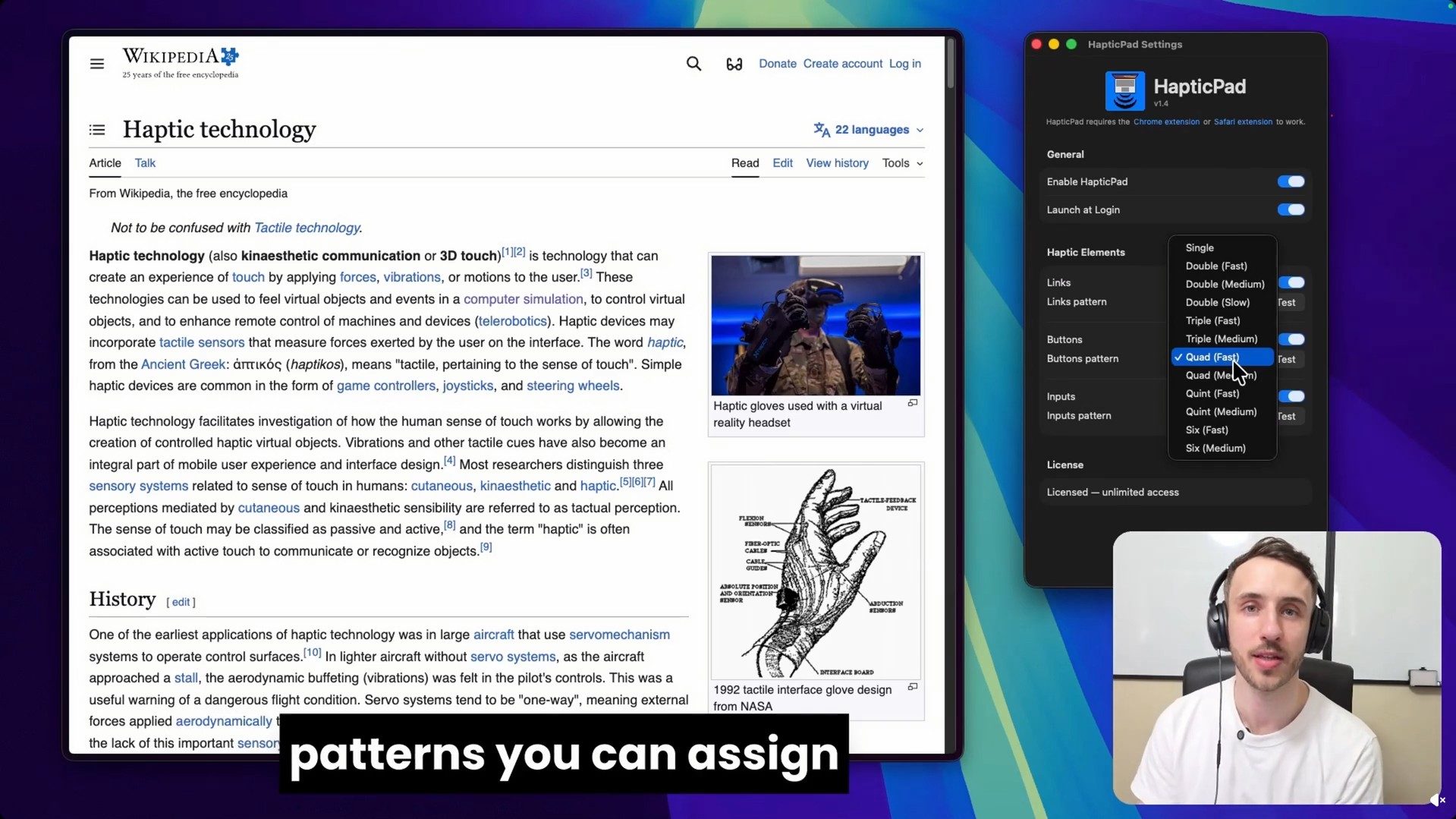
HapticPad works through a Mac app and a bundled Chrome extension. The developer says the trackpad vibration arrives in under 10ms, and the app can use different haptic patterns for different web elements. For example, links can use one pulse, buttons can use a different pattern, and input fields can use another. The official site says users can customize seven haptic patterns, including single, double, triple, and quad-style feedback.
The app is also being framed as an accessibility-friendly tool. Since it adds a physical feedback layer to browsing, it could help users who want an extra cue beyond visual highlighting. The developer says the settings are VoiceOver-compatible and keyboard-navigable. This sits broadly in the same lane as other oddball apps. But it is more practical than something like a $3 app that makes your MacBook play moans and other sounds when slapped.
Price and compatibility
HapticPad costs $4.99 as a one-time purchase and includes a 7-day free trial. It requires macOS 13 Ventura or later and a Mac with a Force Touch trackpad. The developer says the Chrome extension processes element detection locally, with no URLs, page content, or analytics leaving the Mac. It is a tiny app that seems pretty nifty. Apple has already had excellent trackpad haptics for years, and HapticPad makes them seem underused.
Read the full article here