


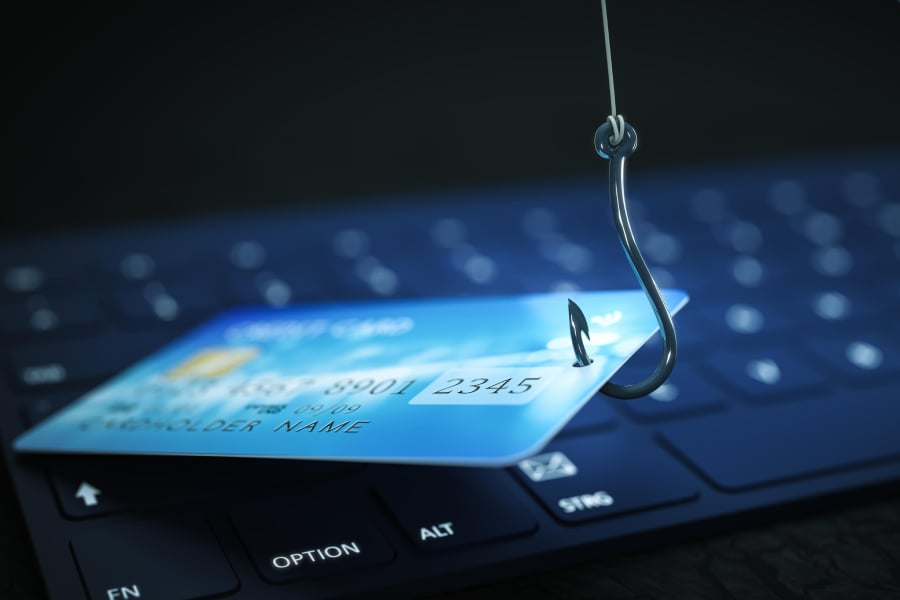

One fake Apple alert is all it takes to send someone into a tailspin.
A new phishing scam uses what appears to be a legitimate Apple security notification to trick people into believing an $899 iPhone was purchased through PayPal. The email looks authentic enough to spark panic, but its real goal is to push recipients into calling a bogus support number controlled by scammers.
What makes this scheme especially unsettling is how convincing the message appears at first glance. And once researchers took a closer look, they found the scam had a surprisingly clever twist.
What the phishing email looks like
The phishing email reads:
“Dear User 899 USD iPhone Purchase Via Pay-Pal To Cancel 18023530761.
The following changes to your Apple Account, [email protected], were made on April 14, 2026 at 7:01:40 PM GMT.
Shipping Information
If you did not make these charges or you believe an unauthorized person has accessed your account, you should change your password as soon as possible from your Apple Account page at https://account.apple.com.
Apple Support.”
Do not click on the link. Typically, when a number is called, scammers will try to convince victims that their accounts have been compromised and may instruct them to install remote access software or provide financial information.
In these phishing campaigns, the information is used to steal funds from a victim’s bank accounts, deploy malware, or exfiltrate data.
An in-depth look at the email
Even if you’ve done your due diligence and checked the return email address, you will likely be confused. Based on the email headers, the message originated from Apple Mail’s infrastructure and was not spoofed, BleepingComputer noted.
“The phishing email was sent from Apple’s infrastructure using the address [email protected] and passed SPF, DKIM, and DMARC authentication checks, indicating it was a legitimate email from Apple,” according to the site.
To carry out the attack, the threat actor created an Apple ID and inserted the phishing message into the account’s personal information fields, splitting the text across the first- and last name fields, the site said.
BleepingComputer went further and was able to repeat these actions by creating a test Apple account and adding similar phishing language in the first- and last-name fields about a callback.
“This is because each field cannot contain the entire scam message,’’ the site explained.
Then the attacker modified the account’s shipping information to trigger the Apple account profile change notification. This caused Apple to send a security alert notifying the user of the change.
Because Apple includes the user-supplied first and last name fields when it sends these notifications, the phishing message was embedded in an official email from the company and delivered as part of an actual alert.
The email was initially sent to an iCloud email address associated with the attacker’s account before being sent to the target of the attacks. “This email address is also included in the notification email, making the email look more concerning and potentially leading someone to believe the account was hacked,’’ BleepingComputer said.
The moral of the story is to treat any emails claiming you purchased something you know you didn’t cautiously. Trust but verify does not apply here. Check bank and credit card statements for peace of mind, and make sure you have good antivirus software installed.
Also read: A traffic ticket phishing scam using QR codes is tricking people into handing over personal and financial data through fake government notices.
Read the full article here