



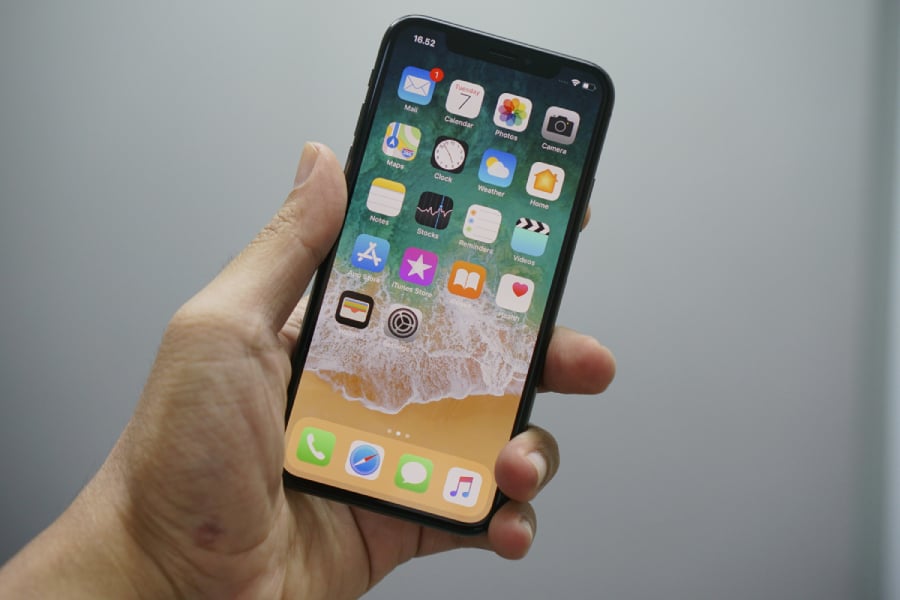

Most people unlock their phones, scroll through social media, and call it a day, completely unaware that Apple has been stuffing iOS with features that could genuinely make their lives easier.
Apple’s iPhone has spent nearly two decades evolving into a device packed with tools most users never fully explore, and even in 2026, many of its most useful tricks are still buried deep in settings menus or overlooked entirely.
From smarter notifications to subtle accessibility upgrades and camera enhancements, the latest iOS updates continue to add features that rarely get attention but make everyday use noticeably smoother.
Here are some of the most practical hidden iPhone features users are only just starting to notice.
Smarter control over how your iPhone feels
Apple has been refining how the iPhone responds visually and physically, especially for users sensitive to motion or brightness.
Newer accessibility options, such as Reduce Bright Effects and improved Reduce Motion settings, are designed to tone down flashing animations and heavy transitions across the system. These adjustments are tucked away in Accessibility settings, but they can significantly affect how comfortable the phone feels during extended use, especially at night.
There’s also a growing focus on visual comfort, with tools like Reduce White Point, which dims harsh highlights beyond normal brightness limits, and Increase Contrast, which sharpens interface elements for better clarity. These aren’t flashy features, but they quietly make the phone easier on the eyes.
Personalization that actually matters
Beyond wallpapers and widgets, iOS now allows deeper personalization that many users still don’t take advantage of. One example is custom vibration patterns, which let users assign unique haptic rhythms to specific contacts. That means you can know who’s calling without even looking at your screen.
Lock screen personalization has also expanded with randomized wallpapers, allowing iPhone users to cycle through curated photo albums automatically throughout the day. Even Messages has become more customizable, with newer iOS versions introducing chat backgrounds that let users change the look and feel of individual conversations with colors, gradients, or personal photos.
The Messages app received several upgrades that change how people interact with texts. Users can now select and copy specific parts of a message, instead of copying entire bubbles. This is especially useful when grabbing codes, addresses, or small details buried inside longer texts.
Another underrated feature is scheduled messaging, which allows users to send texts at a specific time. The Send Later feature is built directly into the compose menu, but many users don’t realize it’s there.
Apple also added stronger filtering tools, including screening unknown senders and spam, which automatically separates messages from unfamiliar numbers into a separate inbox. Together, these features make Messages more of a lightweight communication hub than just a chat app.
Camera and photo tricks hiding in plain sight
The iPhone camera system remains one of its strongest features, but several upgrades go unnoticed by everyday users. A simple but powerful trick lets users record video directly from Photo mode by long-pressing the shutter button, eliminating the need to switch modes.
Another underrated feature is Live Text, which lets users copy text directly from the camera view or photos without typing anything manually.
Photos also include tools like “Make Key Photo”, which allows users to choose the best frame from Live Photos, and Level Indicators, which help prevent crooked shots by visually guiding alignment while taking pictures. Even small changes, like extracting still frames from Live Photos or adjusting focus moments after capture, improve the quality of everyday photography.
Safety, privacy, and smarter call handling
Apple continues to push privacy and call control features deeper into the system. Users can now enable Call Screening for unknown numbers, prompting callers to explain themselves before the phone rings. The response is shown in real time, giving users more control over who gets through.
There’s also Sound Recognition, which can detect alarms, doorbells, or even a baby crying and alert the user instantly.
On the privacy side, Apple has strengthened tracking protections, allowing users to completely block apps from requesting permission to track activity across apps and websites. These features run in the background but significantly reduce unwanted interruptions and data exposure.
Must-read Apple coverage
Hidden productivity boosts
Some of the most useful iPhone features are designed purely to save time. Users can navigate Settings menus faster by holding the back button, which reveals the full navigation path and lets them jump to previous screens instantly.
The iPhone also supports Back Tap, turning the back of the device into a hidden shortcut button for actions like opening the camera, taking screenshots, or launching apps.
Siri has also become more practical with commands like setting timers to end at a specific clock time, removing the need for manual calculations. Even small upgrades like urgent reminders that trigger alarms help ensure tasks don’t get missed.
Quiet features that make daily use easier
Some of the most impressive iPhone tricks are the ones users stumble into by accident.
Live Captions can now transcribe audio in real time, making videos and calls easier to follow in noisy environments. Meanwhile, Vehicle Motion Cues help reduce motion sickness by syncing visual indicators with movement during travel.
There’s also an LED flash alerts, which make notifications visible even when the phone is silent or face down. And for users who want extreme battery efficiency, Adaptive Power Mode intelligently adjusts performance and background activity based on usage patterns, extending battery life without noticeable slowdown.
Bottom line
What stands out across all these features is not just their usefulness, but how hidden they are. Apple continues to layer new capabilities into iOS without pushing them front and center, meaning most users only discover them by accident, or not at all.
The modern iPhone is far more capable than its basic interface suggests. The challenge for most users isn’t whether these features exist; it’s finding them in the first place. And for many, that discovery is what transforms the iPhone from a familiar device into something entirely new again.
Also read: Apple’s WWDC 2026 is expected to preview iOS 27, a smarter Siri, and broader AI updates across its devices.
Read the full article here