



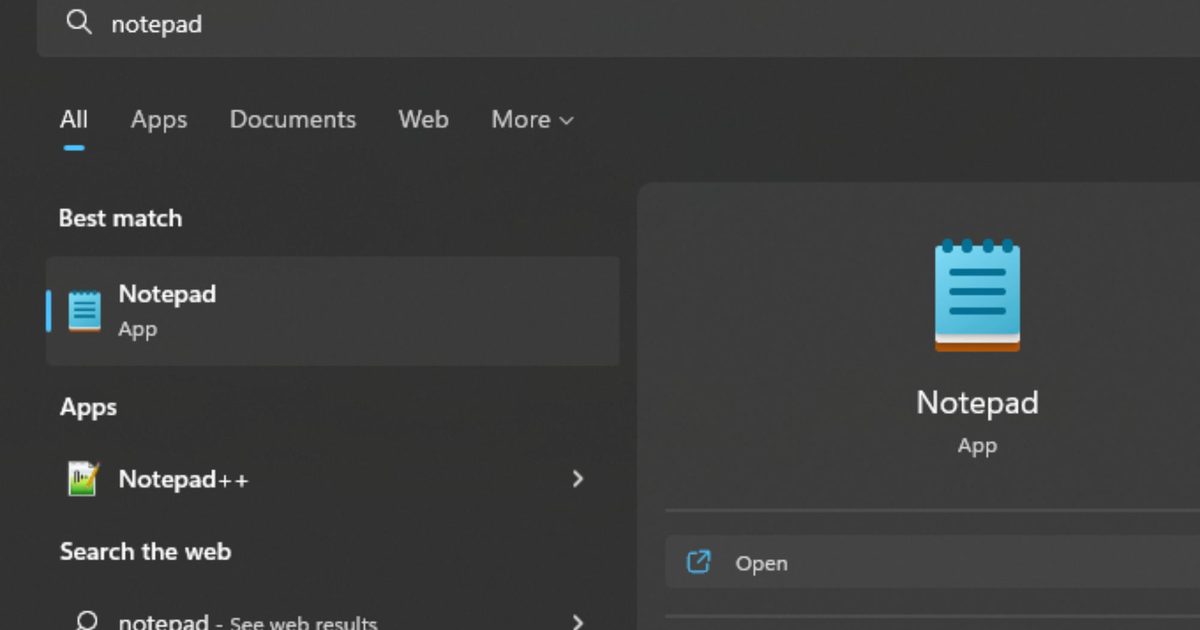

Microsoft is preparing to bring another change to the humble Notepad app. According to Windows Latest, internal testing on Windows 11 shows that the classic text editor is gaining full image support.
Notepad was once just a simple tool for typing plain text, but that simplicity has steadily evolved over multiple updates. Microsoft has modernized Notepad with autosave, undo history, and Markdown formatting. You can now apply basic styling, such as bold text, italics, and links.
WordPad, the older rich text editor that could handle images, has been removed from Windows, leaving Notepad to fill the gap. With WordPad gone, Microsoft appears to be expanding Notepad’s capabilities to cover more use cases.
The new image support will be part of Notepad’s extended formatting features. Microsoft sources told Windows Latest that image support is being tested in internal versions of Notepad. You’d be able to turn the feature off in Settings if you prefer the classic text-only experience.
How Notepad has been quietly changing
Image support in Notepad can be seen as a natural step toward a more capable note-taking tool, similar to Apple’s Notes or other built-in apps that support text formatting and images.
Microsoft has also added major features to Notepad, including artificial intelligence to automatically summarize notes and built-in spell check and autocorrect support.
However, adding too many features could dilute what made Notepad appealing to users in the first place. Adding visual elements risks blurring the line between Notepad and more complex apps like OneNote.
Notepad’s evolution reflects broader changes in how people use built-in apps. If image support rolls out widely, the simple editor could become a more flexible space for jotting down ideas, links, and pictures all in one place.
Read the full article here