

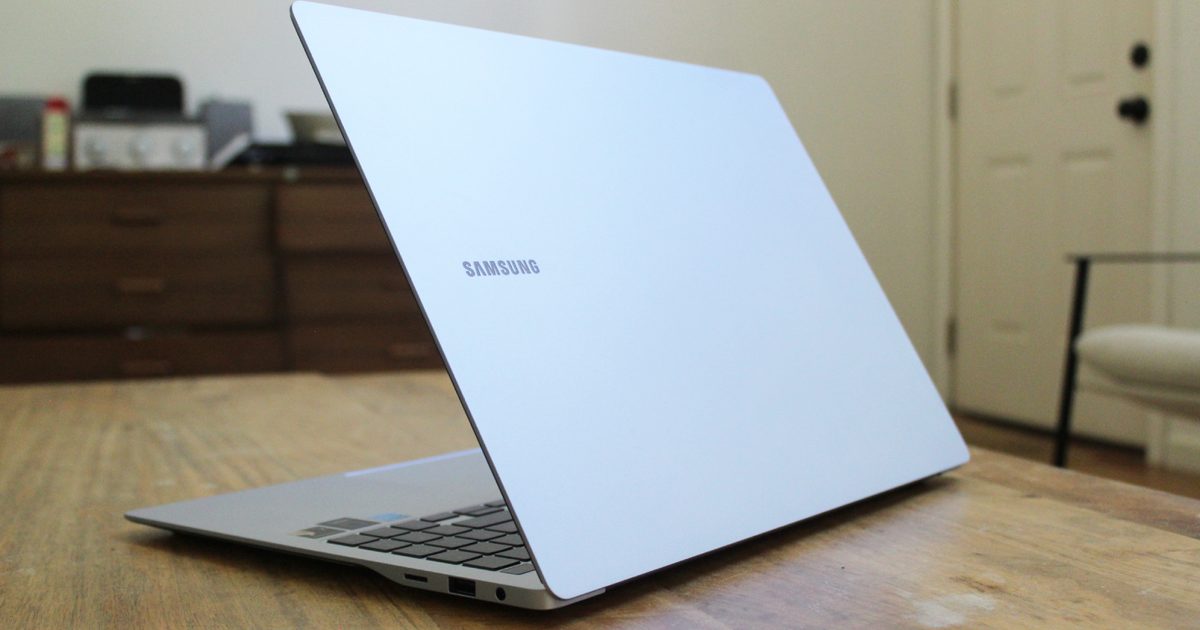

Microsoft has temporarily removed a Samsung app from the Microsoft Store following several reports of users getting locked out of the Windows C drive. The app made files, apps, and even system tools inaccessible on affected Samsung laptops and desktops running Windows 11, rendering them unusable. The company has also published a recovery method to help affected users regain access to the C drive.
What led to the C drive lockout?
According to Bleeping Computer, the issue was traced to Samsung’s Galaxy Connect app, which led to users seeing “C: is not accessible – Access denied” messages. In most cases, the error effectively blocked access to the entire system drive, preventing users from opening stored files and running essential applications.
Microsoft and Samsung determined that the app, which handles screen mirroring, file sharing, and data transfers between Galaxy smartphones and Windows PCs, was the cause after a joint investigation. Microsoft has since removed it from the Microsoft Store to prevent installation.
What’s next for affected users?
Microsoft has published a guide outlining a recovery method that affected users can follow to regain access to the C drive and restore standard Windows permissions. The company says it worked with Samsung to validate the solution and has also put in place mitigations to prevent more devices from encountering the issue. These include removing the app from the Microsoft Store and republishing an older stable version to avoid recurrence.
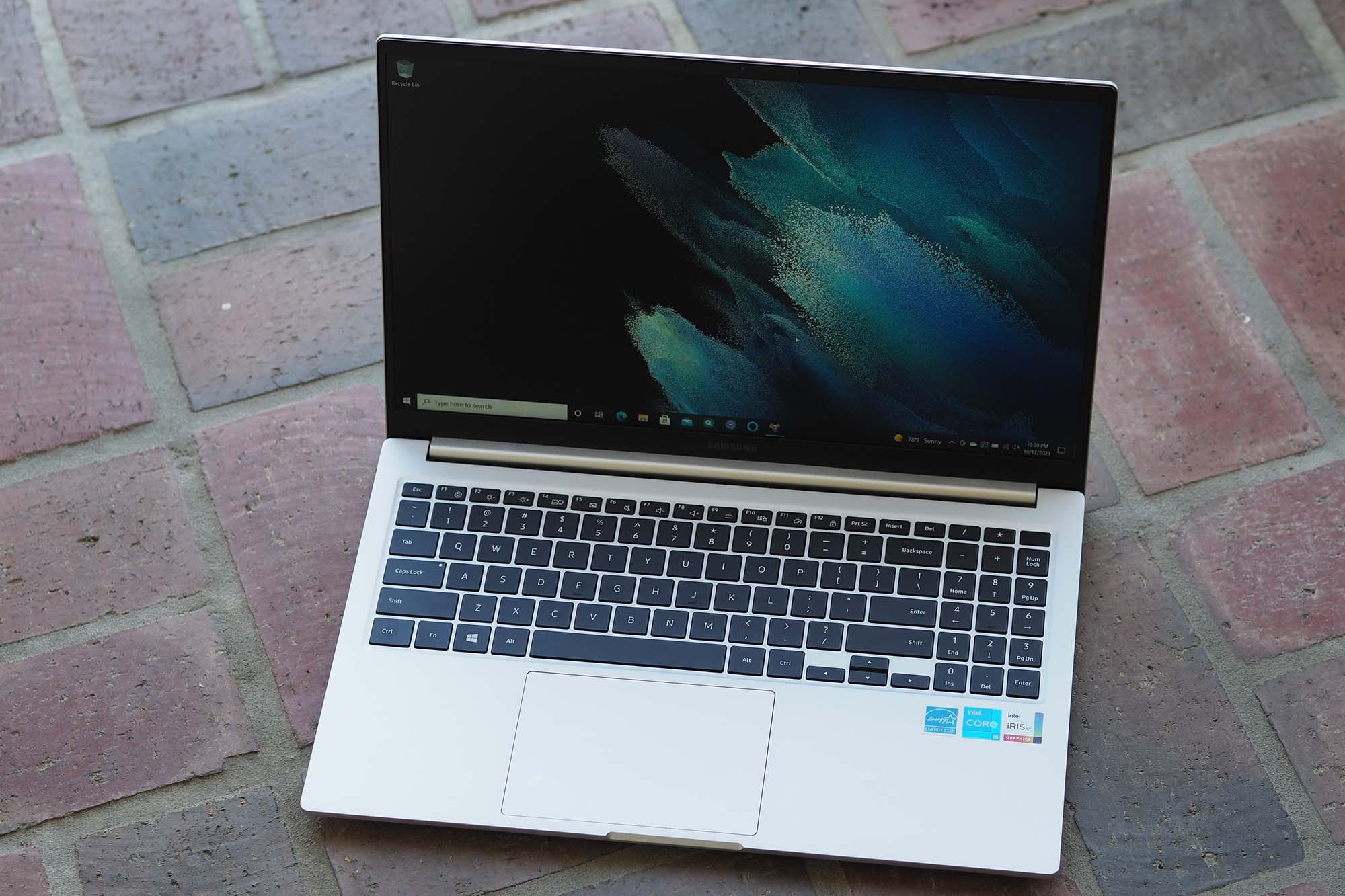
The recovery process requires users to sign in to Windows using an Administrator account, uninstall the Samsung Galaxy Connect app, temporarily allow Windows to repair drive permissions, and then create and run a batch file to restore Windows default permissions. The steps may be difficult for less tech-savvy users, so Microsoft recommends contacting Samsung Support and asking them to perform the “C: drive permissions restore” steps to fix the issue.
Read the full article here