
I spend more hours slouching over my laptop, or staring at an unusually large monitor than I have the guts to admit. Between work, play, and passion projects, my daily screen time is abysmally unhealthy. And to top it off, my near-permanent workation situation means ergonomics is not a luxury for me.
All that has taken a visible toll. I wear prescription lenses to compensate for vision issues and blue light protection. I often resort to hot water bags or vests to make me sit straight due to the forward-neck situation. And regular water intake, or work breaks, is something that I’ve ignored for years.
There are solutions out there, but most of them have me looking at the reminder on another screen, like my iPhone or Apple Watch. Mac utilities are there, as well, but most of them are a one-trick pony. Also, I don’t want to pay $10 for an app that only reminds me to sip some water every hour. But I think I finally found the perfect solution.
Oh look, it’s Loook
Loook is a Mac app that handles four core tasks. It reminds you to hydrate yourself. It tells you to look away from the screen briefly. It asks you to give your pixel-singed eyes a bit of relief by blinking. And more importantly, it gives a periodic nudge to fix your posture.
That’s just it? Sounds barebones, right? Well, there’s more to this minimalist beauty than meets the eye. First, it doesn’t hog space in your Mac’s dock. In my case, it’s a cluttered space, and that’s the reason why I have switched to alternatives like Loopty that keep things tidy and accessible.
Loook can run entirely as a Menu Bar utility. And it has been designed extremely well. There’s no page digging to find controls, and all the core tools you need are just a click, or two, away. The best part? You can use it without paying a dime. The app’s basic functionality is free, but if you want some aesthetic pizzazz, you can pay for themes.
It just works
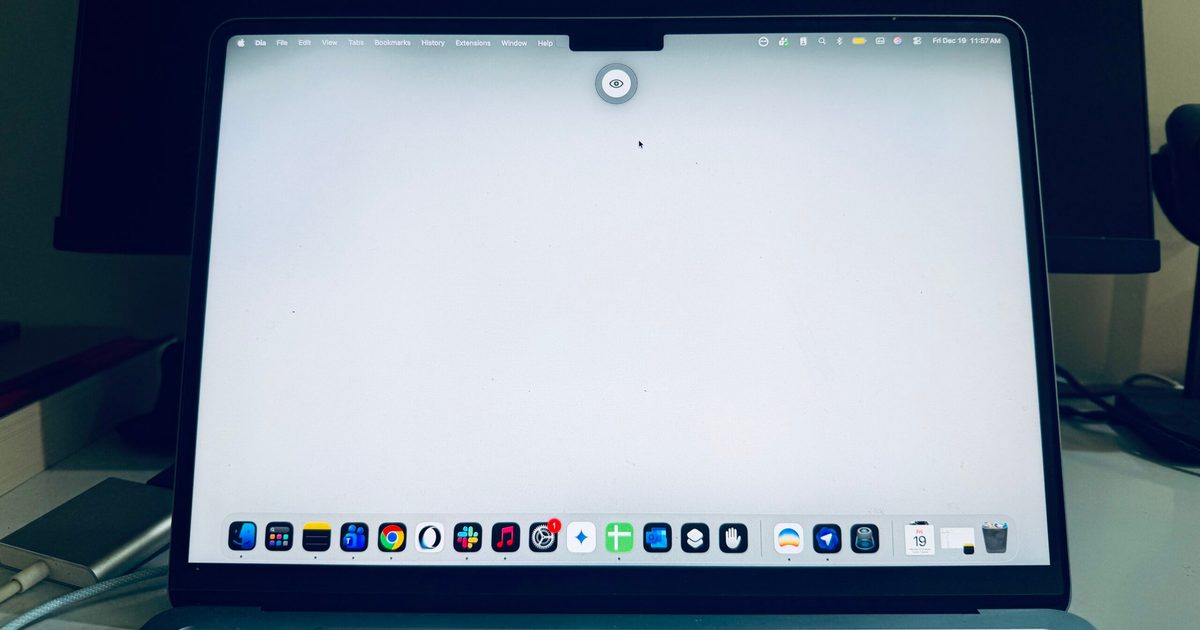
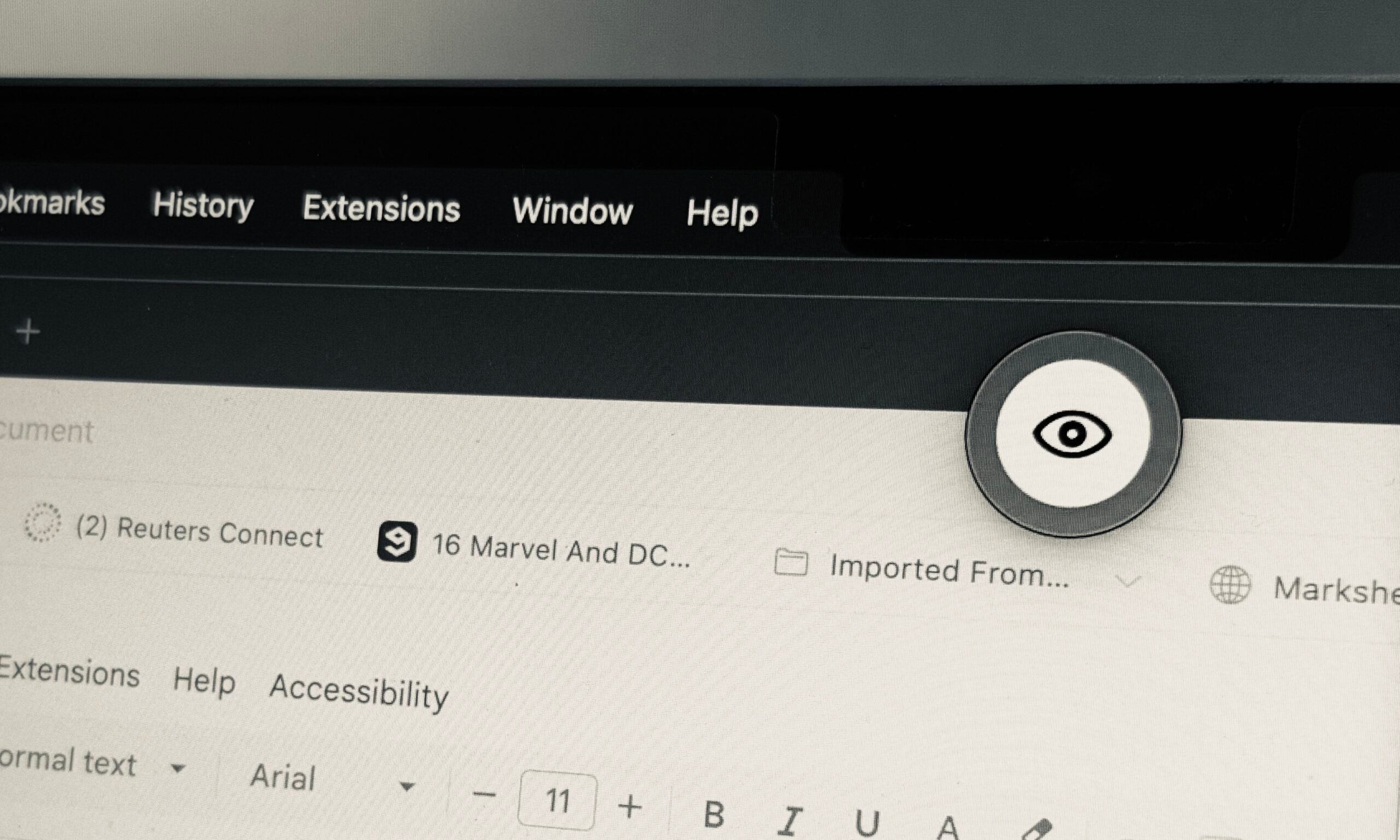
Loook shows a small icon on the screen, telling you to sip some liquid, stand up, look away, or just blink. Now, here’s the beautiful part. When the animated icon appears on the screen, you might miss it, especially if you’re working across a large digital canvas with multiple app windows. The app has a subtle fix for it.
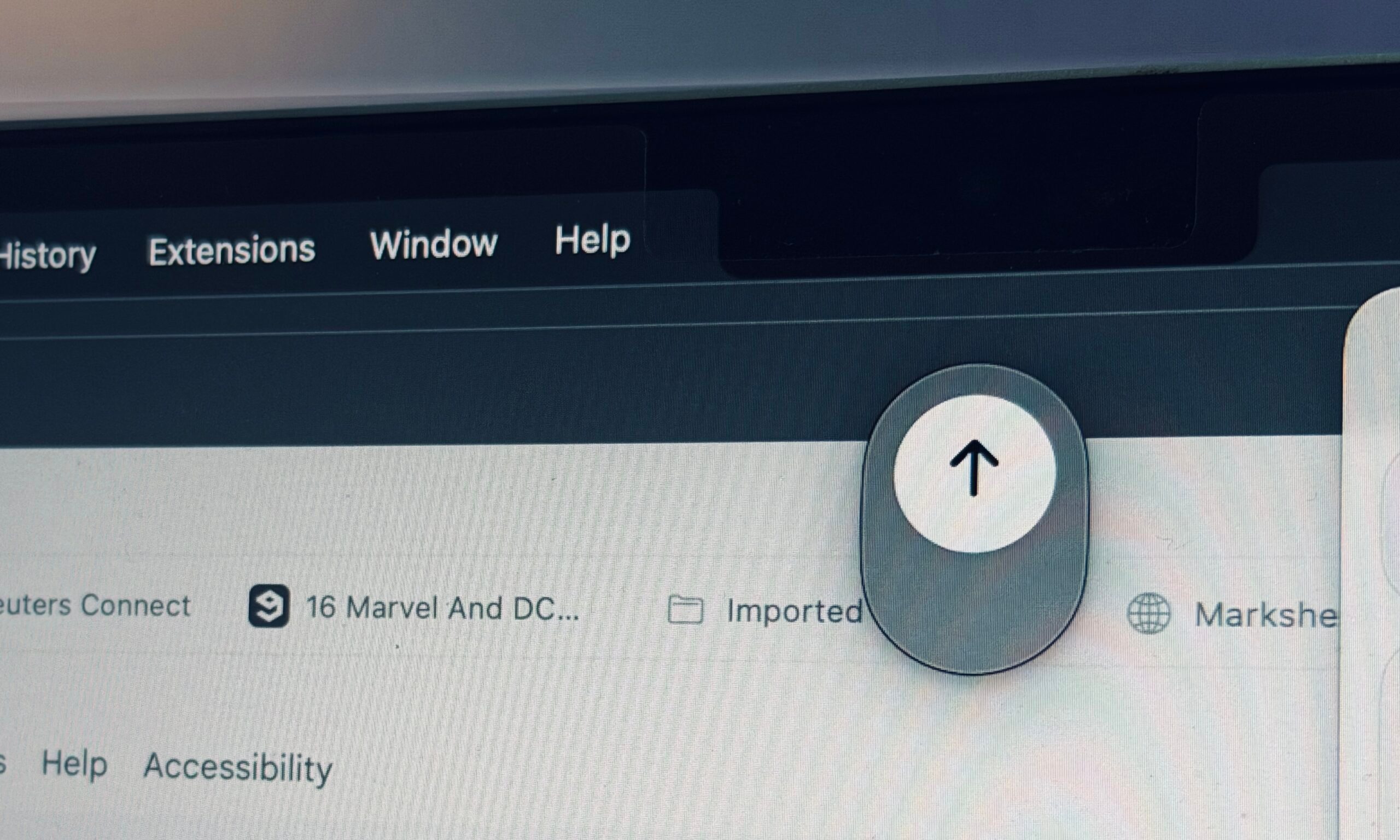
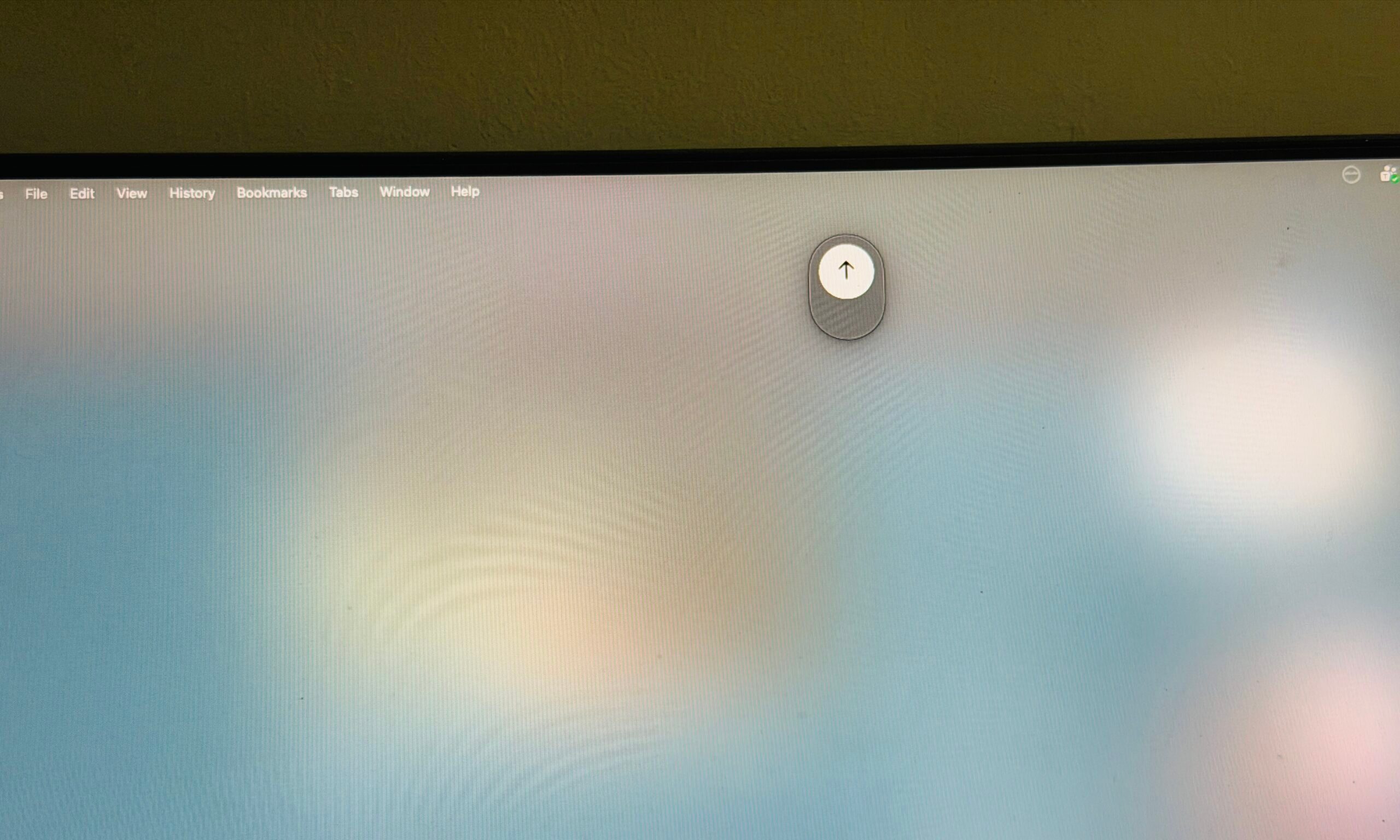
You can either choose to see the animated reminder pop up on the screen naturally. Or, you can set a slight fade effect that gives a subtle greyed-out dimming effect to the screen. Or, you can choose to give a blank, cloudy appearance to the whole screen for maximum visual impact.
On the more functional side of things, you can set the interval for each reminder. For example, you can start at 1 minute for the eye blink reminder, and go up to 10 minutes duration. The posture reminder has a range of 5-30 minutes, while the hydration window can be anywhere between 30 minutes to 2 hours.
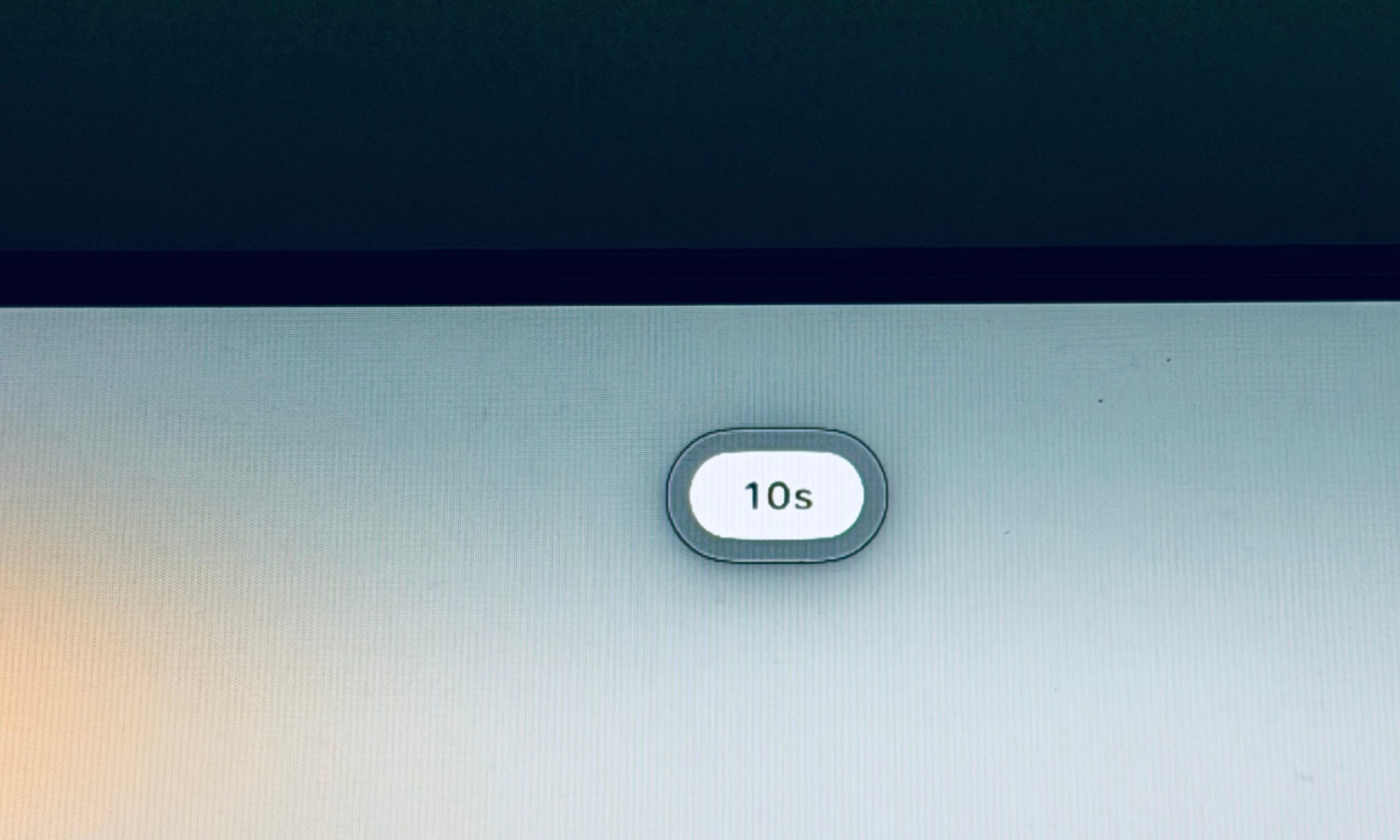
There’s an added bit of flexibility for the look-away-from-screen nudge. Across six equal stops, you can trigger it at 5 minutes, or after a work spell lasting 30 minutes. And when the alert appears on the screen, you can also decide the duration for which you want your gaze away from the display.
The period for which the screen fades, or goes blank, can be anywhere between 20 seconds to a full minute. I love this thoughtful approach, especially when the app does it all without asking for any intrusive permissions or sensor access.
Backed by science
There’s a scientific backing for the approach embraced by Loook. Digital Eye Strain is a well-known issue, and as per research, it can manifest as dry eyes, itching, foreign body sensation, watering, blurred vision, and headache.
It is also linked with stiff neck, general fatigue, headache, and backache. According to research published in the Opthalmology and Therapy journal, taking regular breaks from the screen, changing focus to distant objects intermittently, and embracing the 20-20-20 rule can help reduce eye strain.
Another research published in the Contact Lens and Anterior Eye journal talks about the benefits of taking breaks on eye strain. Following an analysis of 29 symptomatic computer users, experts concluded that the “20-20-20 rule is an effective strategy for reducing DES and dry eye symptoms.”
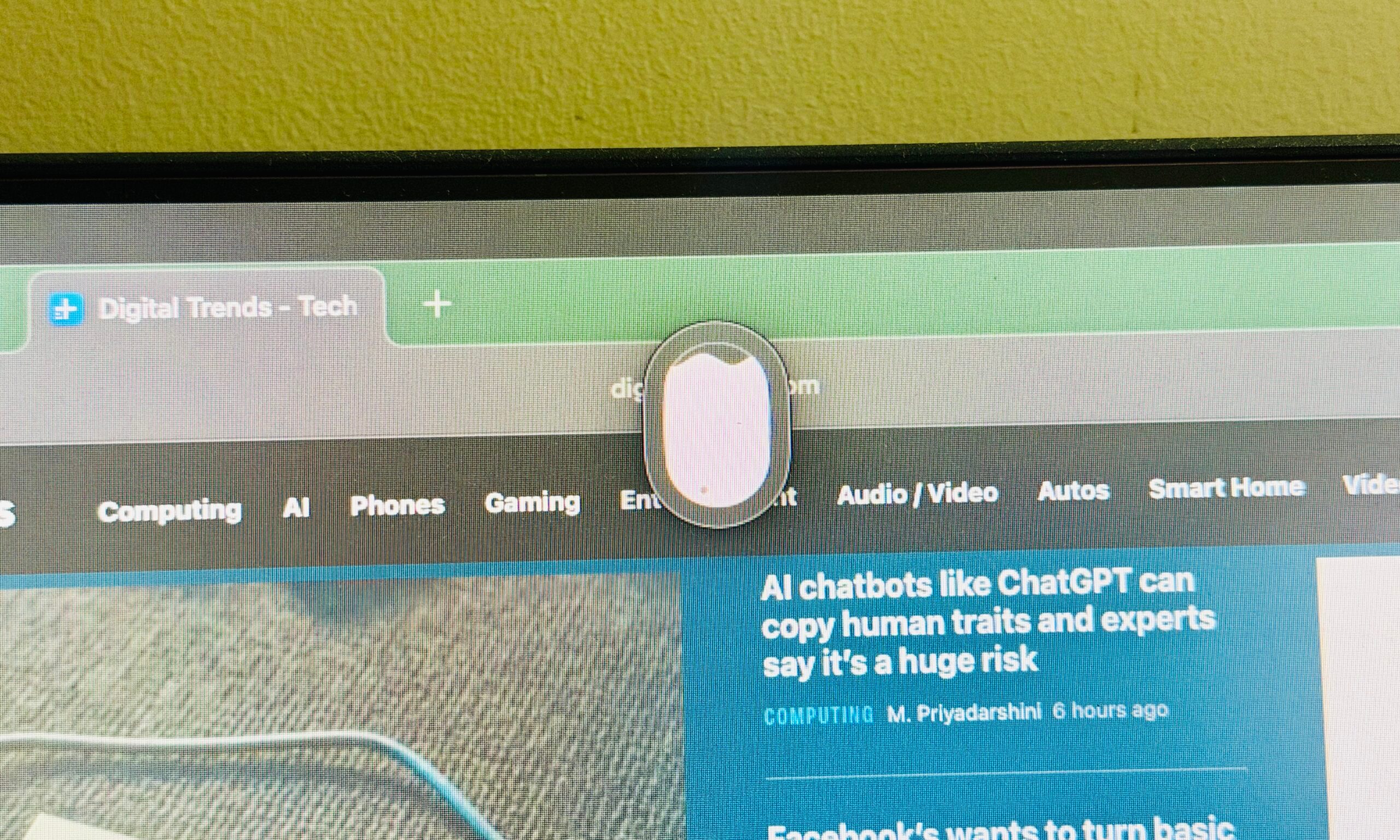
In case you’re unaware, this rule broadly requires you to look away from your screen and focus on something at least 20 feet (6 m) away for 20 seconds, after 20 minutes of continued work. Loook lets you follow the rule to the exact requirements.
Another convenient aspect of Loook is that you don’t have to activate or set it up manually each time you power on your computer. You can set it to launch automatically, and it remembers all your timing preferences, as well.
Now, Loook is not the full solution to your body-computer woes. In particular, it can’t tell you just where your posture is going wrong, and in what ways you can fix it. It doesn’t give you a granular breakdown of, say, your water intake, during an eight-hour work spell. There’s no built-in logging system, either.
Pose Nudge, on the other hand, uses the built-in camera to track your neck and shoulder position. It sends periodic alerts when you’re slouching, and also offers a detailed breakdown of your posture score and progress, while running locally on your Mac.
I wish Loook could add a similar functionality to boost the posture tracking. But at the same time, the concept can get a tad too aggressive. If you are just getting started with a healthy routine, Loook is the most convenient and minimalist approach to get going, and I highly recommend it.
Download Loook from the App Store.
Read the full article here