





Compare video ports on five Googlebooks, learn what Google confirms about dual monitors and closed-lid use, and see what to test before replacing your dock.
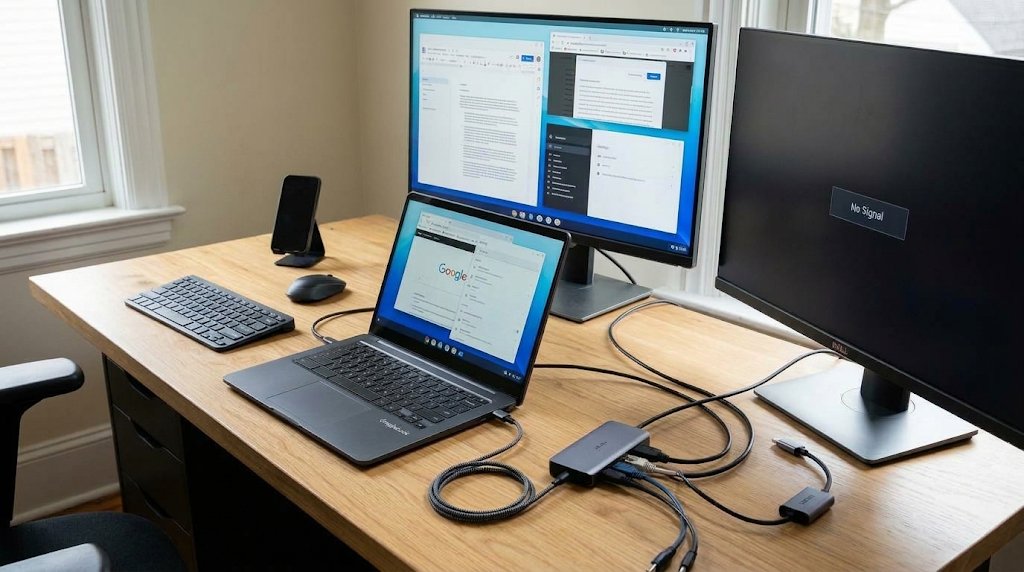
A multi-monitor setup with a laptop, a dual vertical display, and a "No Signal" side monitor, illustrating the complexity of connecting multiple displays and accessories. Image: Generated via Google’s Nano Banana
Before replacing your laptop, check what’s plugged into it.
Google says Googlebooks support at least two external displays, and you can work with the lid closed. But that doesn’t tell you whether your existing dock will drive both screens, keep the laptop charged, or wake it the…
Read the full article at TECHREPUBLIC.COM


