




AI-generated visuals can be produced quickly, but they often look generic and require manual editing before they can be shared. This is why Canva is making it easier for people to turn AI-generated ideas into visuals that truly reflect their brand.
Starting today, ChatGPT users can create designs that will automatically match their company’s colors, fonts, and logos, thanks to a deeper integration with Canva. Now, when you ask ChatGPT to create something visual, like a pitch deck or a social media post, Canva can make sure it already looks like it belongs to your brand. This means you won’t have to adjust colors, fix fonts, or paste logos afterward.
This rollout follows a similar launch last week inside Anthropic’s Claude, which recently added interactive app support to make AI chats more dynamic and hands-on.
How Canva turns AI ideas into on-brand visuals
At the center of this update is the Canva Brand Kit. A Brand Kit is where you or your team can store your official brand elements, like logos, fonts, and color palettes. Once that is set up, ChatGPT can generate designs that automatically follow those rules. Even if you do not know the design rules, the output would still come out right.
Canva is also adding tools like the Guided Presentation Builder, which helps you focus on what you want to say first, before turning that content into polished, branded presentation slides. Another feature is Live Design Preview, which lets you see and tweak Canva designs directly inside ChatGPT, instead of jumping back and forth between them.
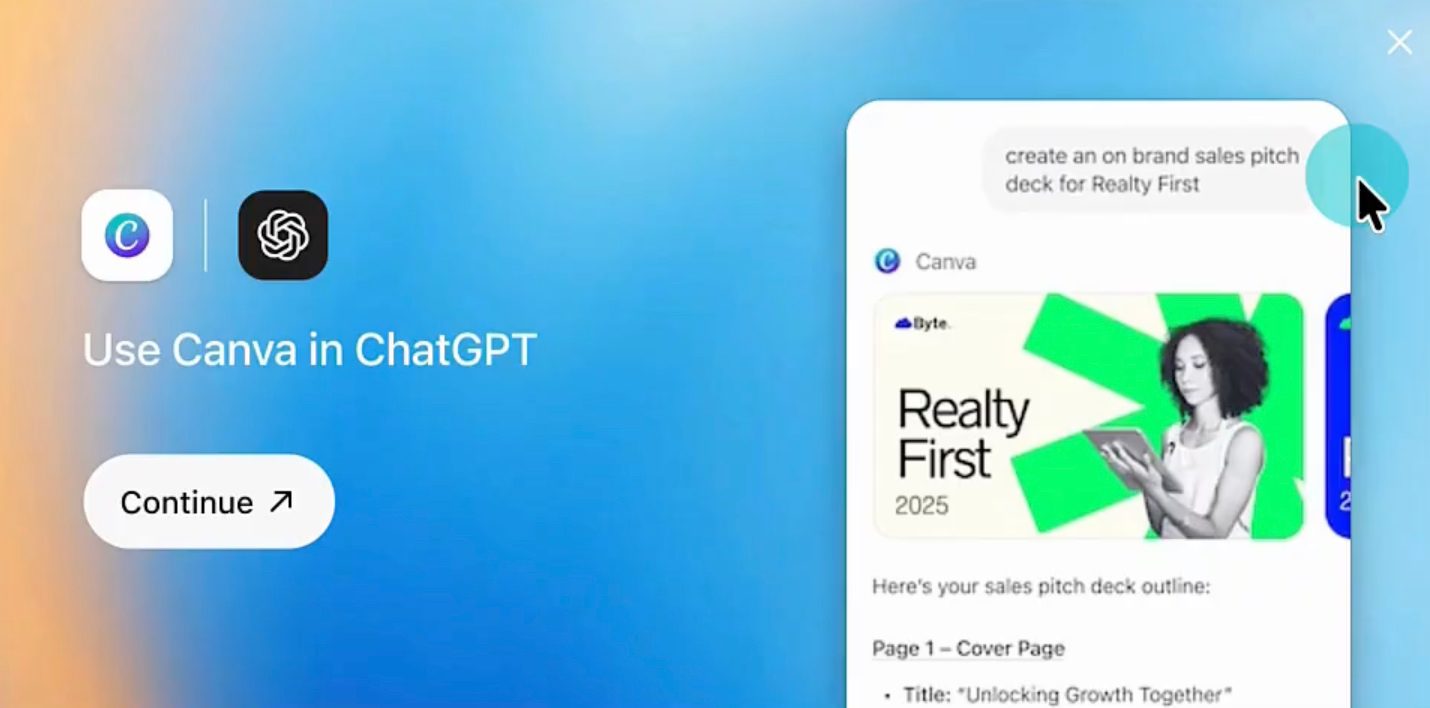
All these new features are powered by Canva AI and have already been used to create more than 12 million designs across ChatGPT, Claude, and Microsoft Copilot. The Canva AI connector is available to ChatGPT users starting today through Canva’s AI hub.
For everyday users, the big takeaway is simple. You can now go from an idea typed into ChatGPT to a ready-to-use design for your brand, without being a designer.
Read the full article here