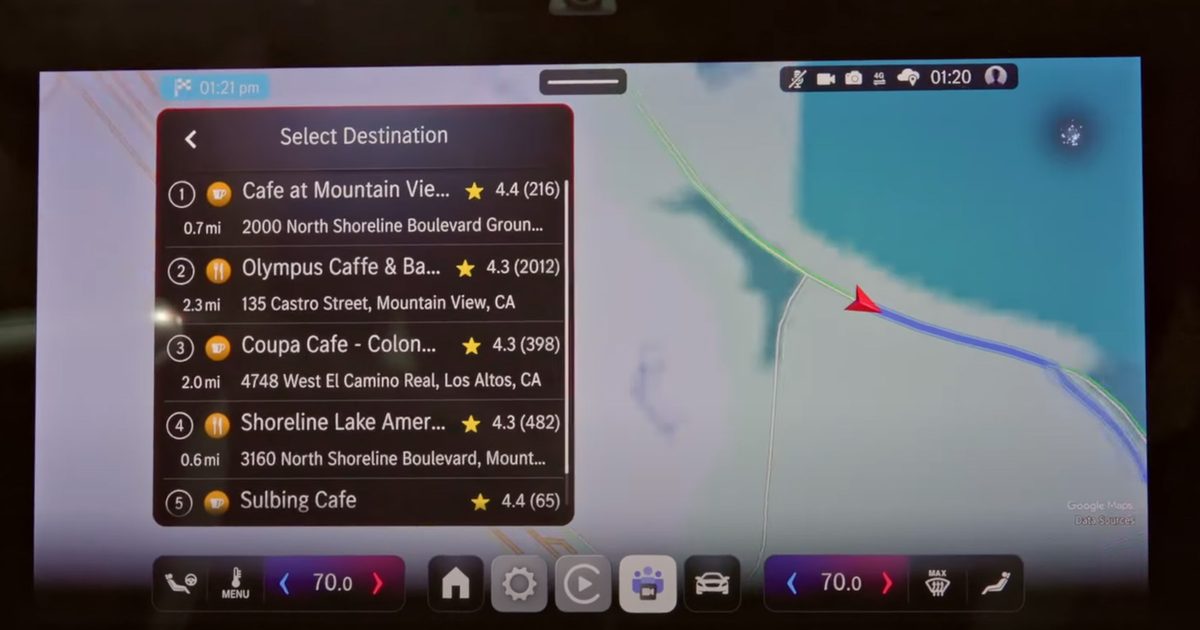

What’s happened? Google is preparing several updates for its in-car smartphone projection system — Android Auto — and they could arrive soon.
- Folks at Android Authority have discovered a new Gemini shortcuts feature in the teardown of Android Auto’s latest beta (version 15.6.154404-release.daily).
- The feature could replace the Google Assistant Actions by allowing users to execute multi-step commands with a tap on the infotainment screen.
- Meanwhile, the publication has also uncovered references to a feature codenamed “Earth,” which will allow users to add widgets from their Android smartphones to their Android Auto home screen (version 5.6.154404-release.daily).
Why is this important? Both features aim to improve your Android Auto experience by saving time on multi-step tasks and by providing the most important information directly on the dashboard without picking up your smartphone.
- Google has already replaced Google Assistant with Gemini on the latest Android phones, and introducing Gemini Actions will bring the same experience to Android Auto.
- As for widgets, they’re already hugely popular among Android users, and it likely won’t take long before people start using them on Android Auto as well.
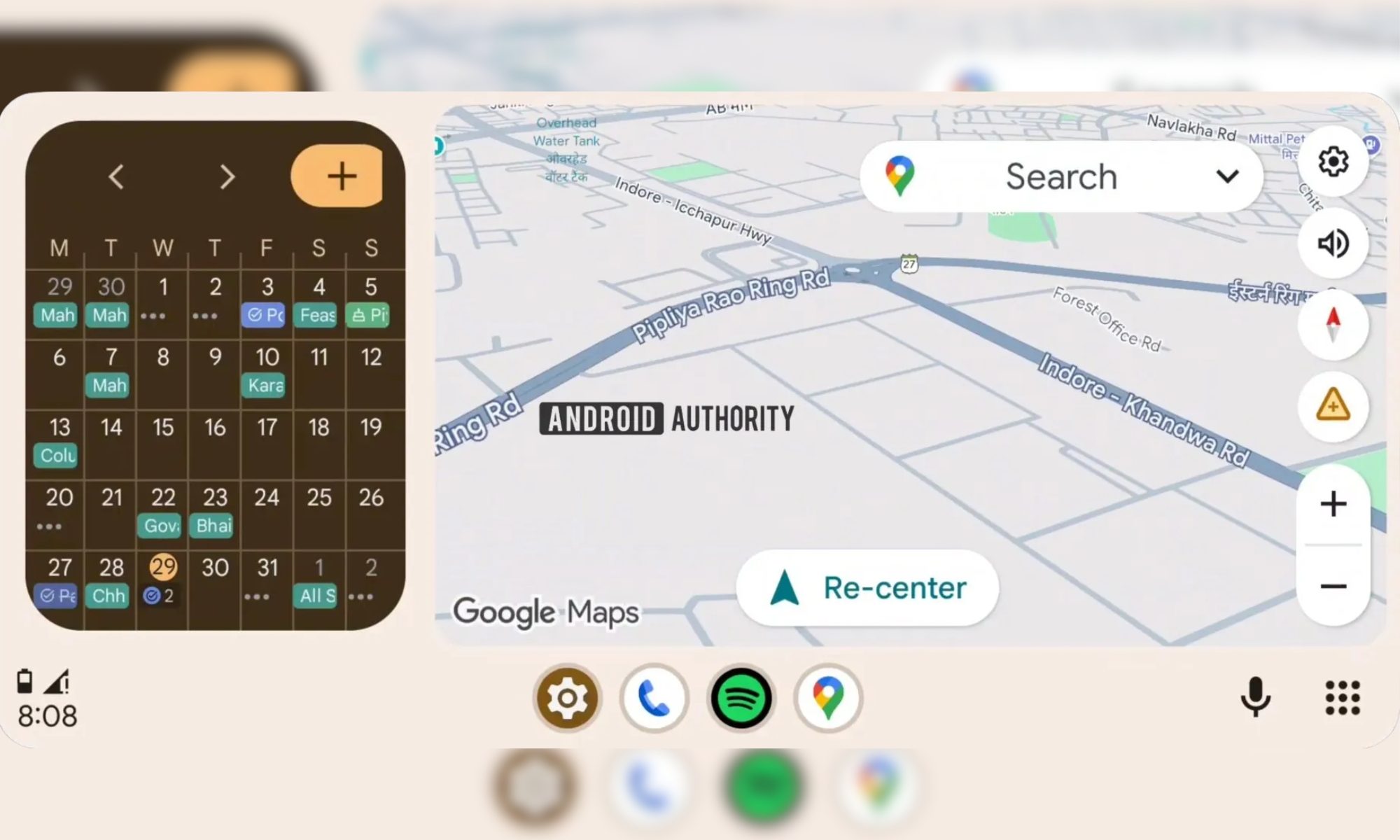
Why should I care? With the Gemini actions feature, you can create shortcuts for everyday tasks. For instance, you’d be able to program a button that searches for nearby gas stations and navigates you there via Google Maps. Otherwise, that’s a four-step task that involves opening Google Maps, typing “gas station” into the search field, selecting the nearest one, and loading the route, which could easily take 30 seconds to a minute. Similarly, home screen widgets will let you access information from your favorite apps, such as the Calendar or Weather, at a glance. At the moment, the widget support seems limited, indicating that the feature is in early stages of development.
Read the full article here