



One of Android’s most relied-upon apps is suddenly struggling to do its most fundamental job: displaying emails.
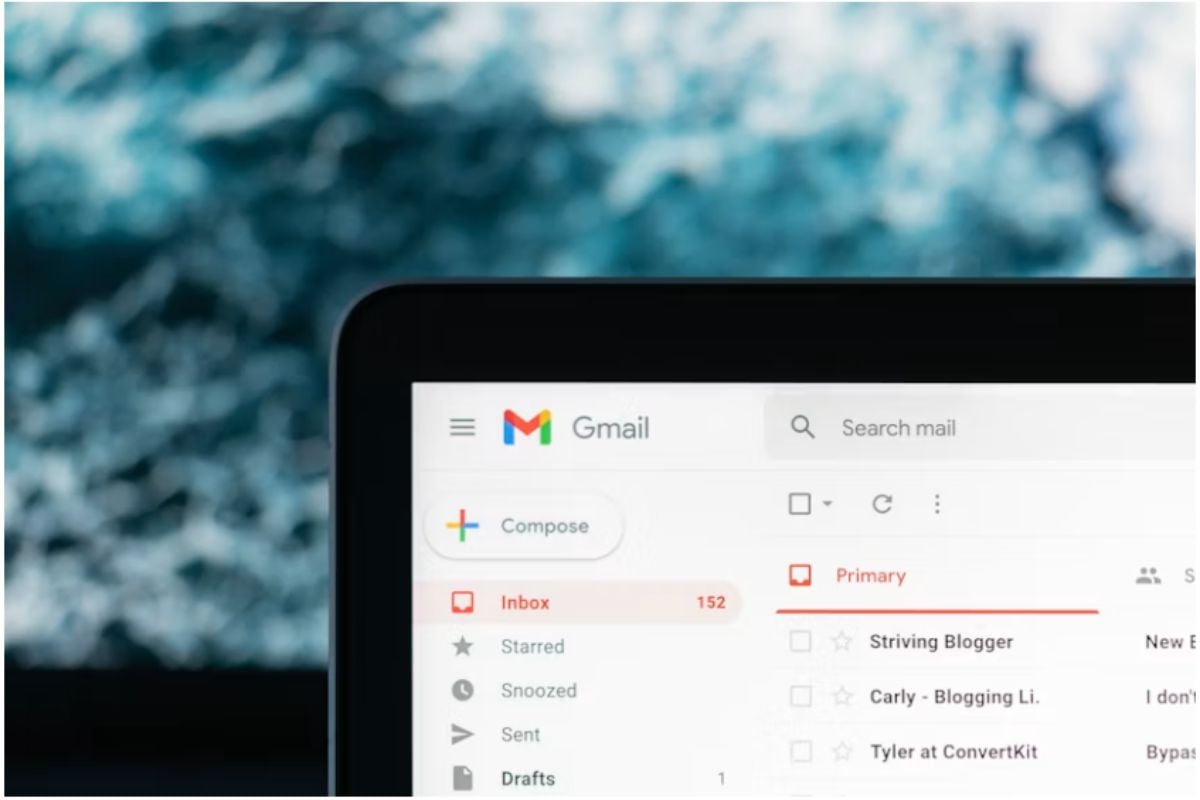
Several reports have now emerged of Gmail users on some Android devices experiencing flickering screens, disappearing messages, or buggy rendering of their email apps. Complaints appear concentrated on tablets and foldables, particularly Samsung models, though some reports suggest the issue is broader than a single product line.
Analysis so far points to a display or rendering issue likely related to Android System WebView, particularly since temporary fixes such as screen rotation appear to force the interface to render correctly.
That pattern suggests the issue is affecting content displays rather than content delivery. And while the issue has reportedly been escalated to Google, no permanent fix has been made available.
What exactly went wrong with Gmail
While Gmail didn’t stop working in the literal sense, several Android users have had problems using the app for days.
According to a May 15 complaint posted on the Google Support website, the Gmail app flickers when opened, making emails unreadable, and almost 40 users have reported experiencing the issue.
The user wrote:
“When I try to open an email it flickers and makes it unreadable.
I have used the force stop, I have cleared the cache and I have restarted my tablet. I have also updated. Nothing has worked.
Does anyone know if it can be fixed or what I need to do.”
Two other users, one on X using a Galaxy Tab S9, and another on Google Support, have also said the same thing. In most cases, they cleared the app’s cache, restarted the device, and updated the device, yet the issue persisted.
Uninstalling updates seemed to provide relief, but a user who did so reported that it started flickering again.
Although we are not in the clear on detailed information about affected users or those likely to be affected, the reports largely indicate that Android users on larger screens are most susceptible to this.
While most reports come from Samsung users, one commenter on AndroidAuthority says it happened on their Lenovo Tab M9. That supports the theory that the issue is tied to Gmail’s rendering on larger screens.
Mobility must-reads
What’s causing the flickering, plus workarounds users can use
With Google yet to make a public disclosure or acknowledgment of the issue, users are left trying various solutions to use their Gmail.
According to a response from a Product Expert, the issue likely stems from the Android System WebView. This integral component displays web content in Android apps without redirecting to a browser.
And, while the issue has been escalated to Google, which suggests they are aware of it and likely working on a permanent fix, users are advised to do any of the following:
- Reach out to device manufacturers: While this involves a Google app, device manufacturers may provide model-specific guidance.
- Switch screen layout: Open Gmail in portrait mode, switch to landscape, then switch back if the email content displays correctly. Users may need to enable auto-rotate first.
- Update the Android System WebView: Samsung recommends updating Android System WebView and Chrome to address WebView-related app issues. If updating does not work, some users have reported temporary relief after uninstalling WebView updates, though the problem may return.
- Clear the cache for Android System WebView: If updating WebView does not work, open Settings > Apps > All apps > Android System WebView, then clear the cache.
Although many affected users have testified that they work, this may not always be the case for each user.
Since Google is aware, we expect that a permanent fix will be rolled out soon.
Also read: Gmail’s hidden productivity features can help users schedule messages, organize inboxes, and speed up everyday email tasks.
Read the full article here