


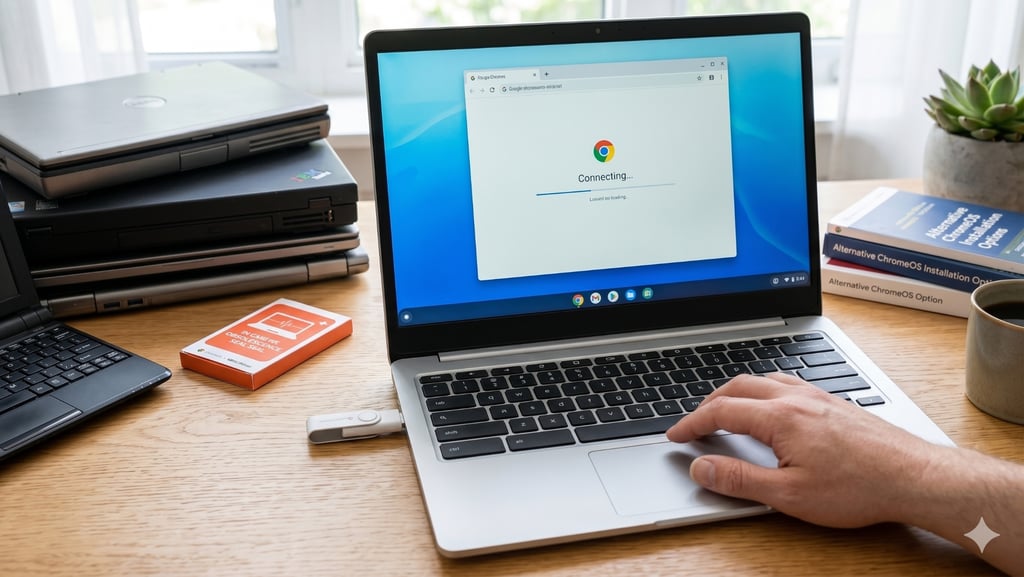

Google’s $3 ChromeOS Flex kit disappeared fast, but the idea behind it did not.
Google and refurbished tech marketplace Back Market created 3,000 USB drives preloaded with ChromeOS Flex as a trial. The kits are now listed as out of stock, underscoring demand for cheap ways to keep older Windows PCs useful as Windows 10 support ends.
ChromeOS Flex is still available for users willing to create their own installation drive. But it is not the only path forward. For PCs that cannot move to Windows 11, these five lightweight operating systems offer different ways to extend the life of aging hardware.
FydeOS: Best ChromeOS-like alternative
FydeOS is the closest match for people who liked the idea of ChromeOS Flex. It can turn a compatible Windows laptop or desktop into a Chromebook-like machine, with a lightweight, browser-first interface built for web apps and cloud services.
That makes it useful for older Windows 10 PCs that are still good enough for browsing, email, documents, streaming, and basic productivity, but are not ideal candidates for Windows 11. FydeOS can also support Android apps and Linux environments on supported devices, though some features may depend on the hardware, setup, and licensing.
Zorin OS 18.1: Best for Windows 10 users
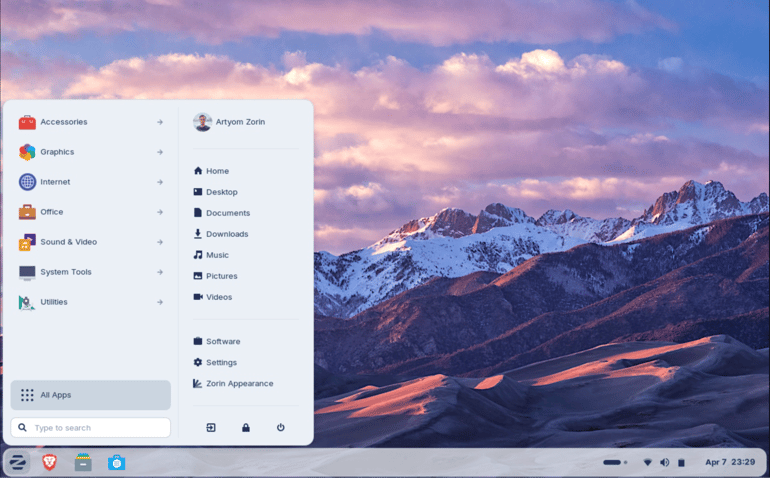
Zorin OS 18.1 is built for people who are starting to make the switch from Windows. Zorin says the update adds more polish, new features, and better hardware support, which is essential for older PCs that may not qualify for Windows 11.
It also expands Zorin’s built-in database for Windows app installers by more than 40%, covering more than 240 apps. When users try to launch a Windows installer, Zorin OS can suggest a native Linux version or a similar Linux alternative instead.
Linux Mint XFCE: Best stable everyday option
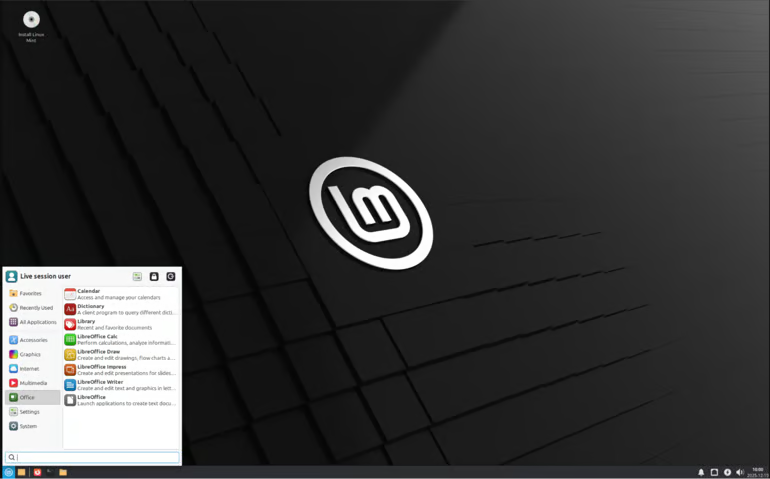
Linux Mint XFCE is a practical pick for people who want a traditional desktop instead of a Chromebook-style system. Linux Mint says the XFCE edition is lighter on resource usage than its Cinnamon desktop, making it a better fit for older Windows 10 PCs.
For everyday use, Mint XFCE gives older hardware a familiar desktop for browsing, email, documents, video calls, and light productivity without the heavier feel of newer operating systems.
Fedora Silverblue: Best for ChromeOS-style stability
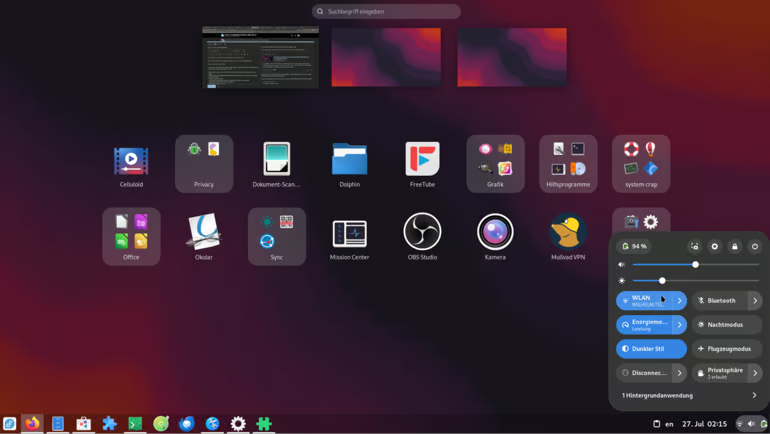
Fedora Silverblue is for users who want a Linux desktop that is harder to break. Its atomic model applies system changes as a single unit, and Fedora says changes will not take effect if something goes wrong.
For older Windows 10 PCs, Silverblue prioritizes reliability over customization. A previous version of the system is kept available in case users need to roll back when apps are installed through Flatpak, and it is kept separate from the base system. The trade-off is that Silverblue operates differently from traditional Linux platforms, so it is recommended for users who are willing to accept a bit of a learning curve.
Aurora: Best modern Linux option

Aurora is a good fit for users who want a polished Linux desktop without a lot of manual setup. It is built around KDE Plasma, uses sensible defaults, and pulls apps through Flathub, giving users a more complete desktop experience than ChromeOS Flex.
This is the pick for someone who wants the old PC to feel more like a modern daily-use computer, not just a lightweight browser machine. Aurora can install updates automatically, and if an update causes problems, users can return to a previous working version.
Bottom line: Old Windows PCs still have options
Google’s sold-out $3 ChromeOS Flex kit shows there is still demand for cheap ways to extend the life of older PCs. Users do not need Google’s USB kit to keep aging Windows hardware useful.
For now, the best alternative depends on what the PC needs to do next. With the right lightweight operating system and a little preparation, an old Windows 10 PC can still handle everyday work.
Related reading: Not ready to replace that older PC? These four products can help you stretch its life after Windows 10.
Read the full article here