


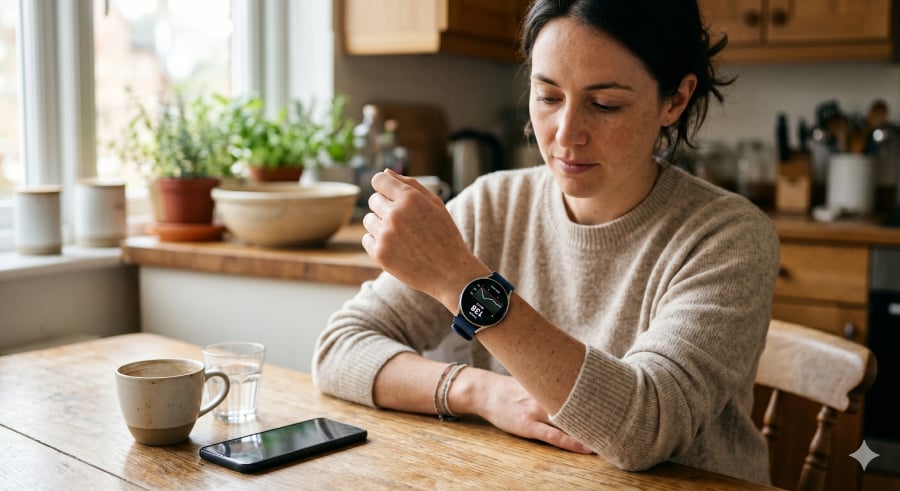

Samsung Galaxy Watch can make blood sugar tracking easier to check throughout the day.
For anyone who monitors glucose regularly, that can be a real convenience. With the right continuous glucose monitor (CGM) and app setup, the Galaxy Watch can display compatible readings, trends, and alerts at times when timing matters, whether someone is eating, exercising, sleeping, or managing medication.
The glucose reading still comes from the connected sensor, but the watch can make those updates more noticeable and easier to act on.
Galaxy Watch’s current role in glucose tracking
Today, Galaxy Watch works best as a companion screen for compatible CGM data. The watch may show a current reading or send an alert when the connected system supports it.
Samsung Health adds a longer view. Glucose-related data can sit alongside other health information, which may help someone notice whether a new workout routine or meal schedule aligns with changes in blood sugar.
The useful moments are often quiet ones. A user may want to check glucose before taking medication or glance at a trend after logging a meal. Galaxy Watch can support those checks without making the phone feel like the only place to manage health information.
Samsung is also building more metabolic-health context into Galaxy Watch, which is where the Galaxy Watch 8’s AGEs Index becomes relevant. AGEs Index is not blood sugar monitoring, but it shows Samsung looking beyond basic fitness stats toward signals that help users understand how the body responds over time.
How glucose data gets to Galaxy Watch
Galaxy Watch users have a few ways to display glucose data, and the right approach depends on how much detail they want from the watch.
Dexcom
Dexcom is a good fit for people who already use Dexcom on Android and mainly want the essentials on their Samsung watch. With Android and Wear OS support, users can see their CGM reading, trend arrow, and trend graph on a Dexcom display, with current data syncing from the Android phone so that alarms and alerts can appear there as well.
Gluroo
Gluroo offers Samsung Watch users another Wear OS option, especially if they want more detail on the watch face. The company says it works with Samsung Galaxy Watch models, including Galaxy Watch6, Galaxy Watch7, and Galaxy Watch Ultra, with support for Wear OS 4 and Wear OS 5.
FreeStyle Libre
FreeStyle Libre users can bring glucose data to Galaxy Watch through third-party Wear OS tools such as WatchGlucose, which supports Libre 2 and Libre 3 sensors. Its tile can show up to 12 hours of glucose history, making it more useful for Libre users who want recent trend context from the watch instead of a single reading.
A Samsung Wear OS model, such as Galaxy Watch4 or newer, is usually the starting point. The CGM app still decides which features show up on the watch.
What’s hot at TechRepublic
Samsung’s work on non-invasive glucose
Samsung’s longer-term glucose plan is much bigger than putting CGM alerts on a watch face.
Dr. Hon Pak, senior vice president and head of Samsung’s Digital Health Team, has said blood glucose is an area where the company has been “deeply invested,” citing progress in CGM-integrated nutrition coaching and non-invasive tracking technologies.
Galaxy Watch already has a real place in blood sugar tracking for people using compatible glucose systems. Its value today is clear enough: it helps bring supported glucose information into the user’s normal watch routine.
Pak has also described the work as a “noninvasive optically-based continuous glucose monitor.” He did not give a launch date, but said he was excited by the progress and called the technology a potential “game-changer” if the company gets it right.
Samsung’s comments point to an improved version of glucose tracking that helps people understand what may be driving changes in their numbers. Nutrition coaching tied to CGM data could help link blood sugar changes to food and daily habits, while AI-supported signals could help identify early signs of diabetes risk.
If optical sensing becomes accurate enough for a wrist-worn device, glucose could move from a connected-device feature to a core part of the Galaxy Watch health experience.
Galaxy Watch is making blood sugar data easier to use
Galaxy Watch gives people who track glucose another way to see important updates during daily life. Supported CGM data can appear in the user’s normal routine, from quick checks to alerts that need attention.
There is still a medical boundary. The FDA says smartwatch apps that display data from authorized CGMs are different from smartwatches or smart rings that claim to measure blood glucose independently. The agency has not authorized any smartwatch or smart ring to measure or estimate blood glucose by itself.
Anyone using glucose data for diabetes management should rely on an authorized glucose-monitoring device and follow medical guidance. Samsung’s work on non-invasive optical monitoring and CGM-linked nutrition coaching makes the Galaxy Watch worth watching, but people do not have to wait for that research.
With a compatible CGM setup, the watch can put glucose updates where users are likely to notice them.
If blood sugar tracking is the next wearable feature on your radar, this guide shows which brands are moving fastest.
Read the full article here