


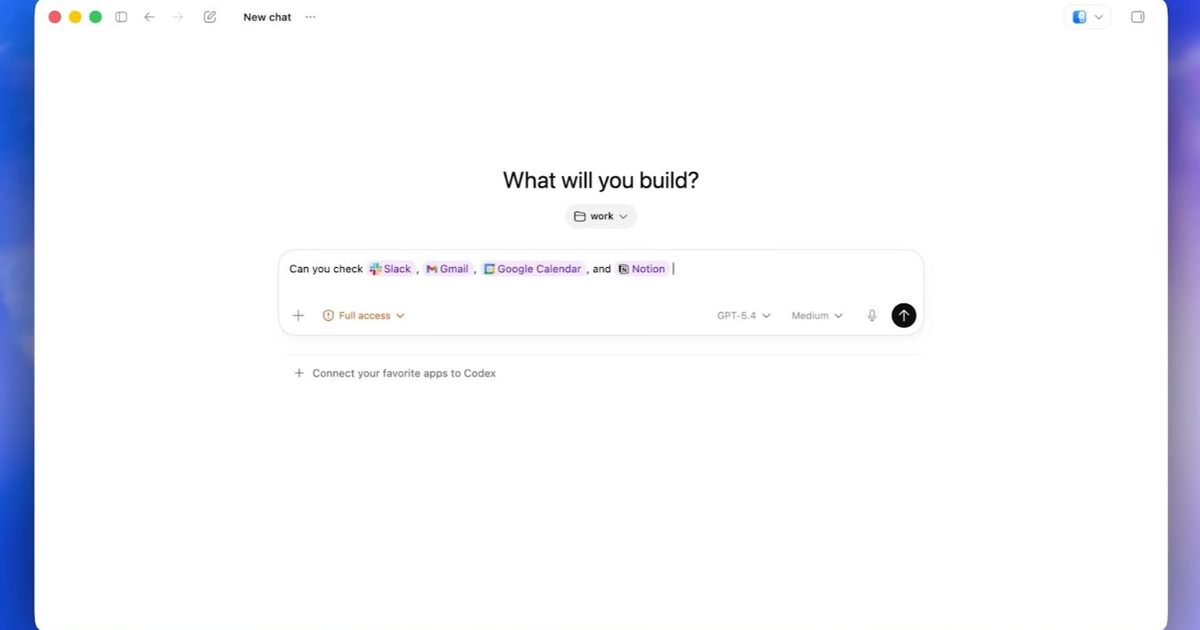

OpenAI is giving Codex a larger stage than the coding window. Its new Chrome extension lets the agent use an authenticated web session, so it can help with work that already lives inside Gmail, Salesforce, LinkedIn, dashboards, and internal apps.
That pushes Codex out of the developer sandbox and into the web apps where daily work already happens. With Chrome access, it can step into research, CRM updates, dashboard checks, and browser-based debugging, which is where plenty of work gets stuck across tabs.
The Codex Chrome extension is available through the Codex app in all regions except the EU and UK, where support is still coming. The rollout matters because the most useful version of an AI agent is also the one that needs the clearest boundaries.
What Chrome access unlocks
The impressive part is the state Codex can carry into web apps. Instead of starting from a blank prompt, it can operate where someone is already logged in, which makes it more practical for private dashboards, forms, and account-based tools.
That access also makes this more sensitive than a routine product update. Agentic AI raises security concerns when autonomy, tool use, and external access come together, because each added capability gives the system more room to make a bad call or follow a bad instruction.
So the clever trick is also the stress test. Codex in Chrome is useful because it can reach real services. It needs narrow permissions for the same reason.
How much access is too much?
Codex can now follow a task through the web, use browser context, and return results for review. OpenAI says it doesn’t take over the active browsing session, which keeps the user closer to the work rather than handing over the whole tab.
The risk comes from what that autonomy can touch. A system that can read a dashboard, fill out a form, or interact with an internal tool needs stronger review habits than a chatbot answering questions in a separate window.
Where caution pays off
The next test is whether OpenAI can make Codex’s browser work feel controlled rather than merely impressive. Site approvals, permission settings, and review steps will decide whether the extension feels like a productivity boost or a shortcut with too much reach.
For early users, the practical move is to start small. Give Codex access to the few sites where the benefit is obvious, avoid sensitive accounts until the workflow proves itself, and review what it does before letting the agent handle higher-stakes work.
Read the full article here