


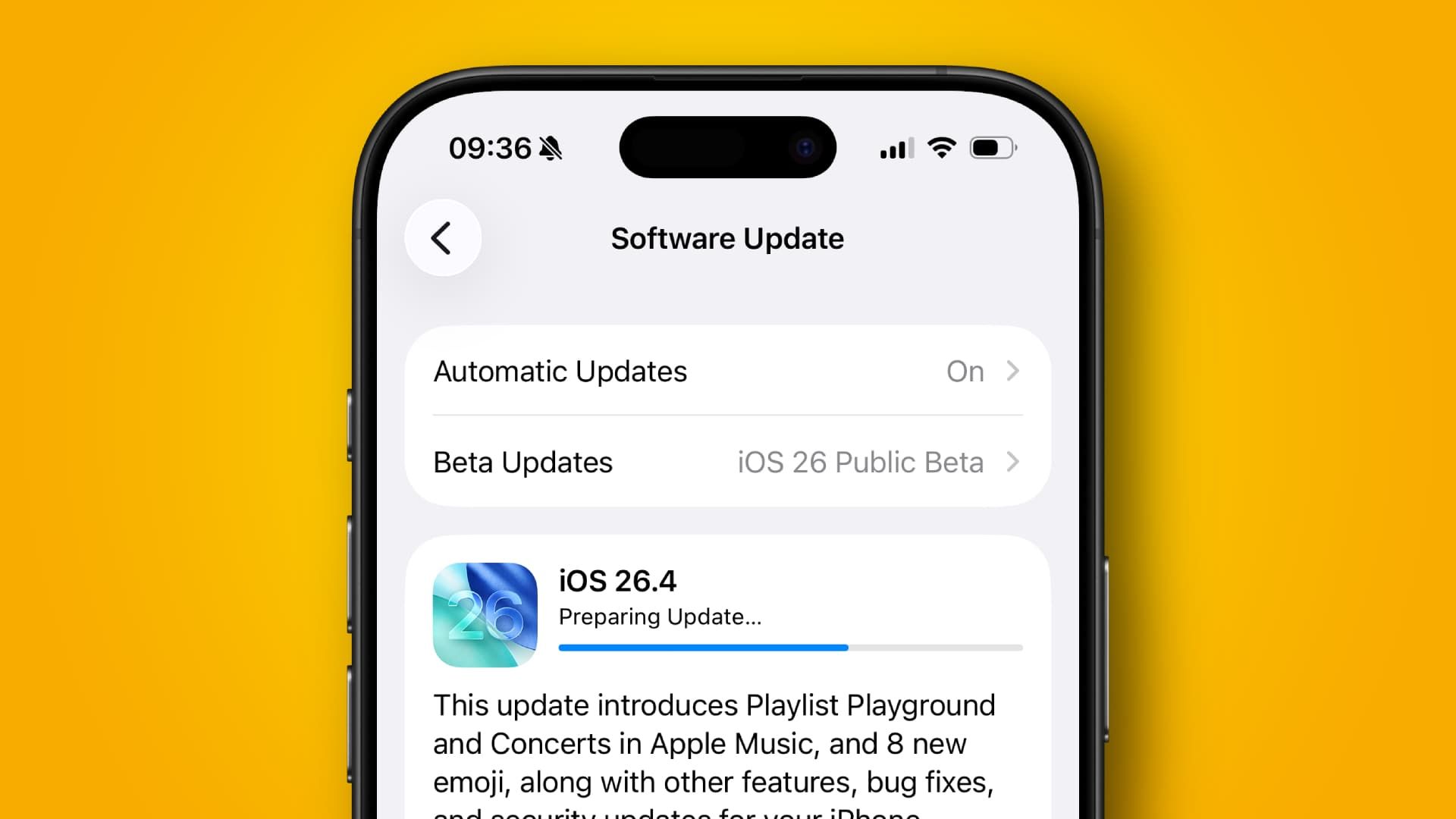

- Apple has urged users to update their iOS devices as soon as possible
- This will protect your iPhone from web attacks and vulnerabilities
- Devices running iOS 15 to iOS 26 are already protected
Apple has issued a rare public warning, stating that if you’re running an old version of iOS, you should update your device in order to “protect your iPhone from web attacks.”
The notice has been published in a new security document on Apple’s website. While the company frequently releases security updates and patches to keep customers’ devices secure, it’s unusual for Apple to issue a public call in this manner, which underscores the seriousness of the situation.
In the support document, Apple said that “Security researchers recently identified web-based attacks that target out-of-date versions of iOS through malicious web content. For example, if you’re using an older version of iOS and were to click a malicious link or visit a compromised website, the data on your iPhone might be at risk of being stolen.”
Article continues below
It comes shortly after Google published details of an iOS exploit it had discovered named DarkSword, which is being used by both commercial spyware makers and state-sponsored hackers in the wild.
As for Apple’s warning, the firm added that after being made aware of the hack, it “released software updates as quickly as possible for the most recent operating system versions to address vulnerabilities and disrupt such attacks.” That means that if your iPhone is running iOS 15 through iOS 26, you’re already protected because Apple’s security updates have addressed the vulnerabilities in question.
However, if you have an older version of iOS on your device, you should update it as soon as possible in order to get the security patches and keep this exploit at bay.
How to protect yourself
Apple sought to reassure users of the latest iOS operating systems that “If you have kept your iPhone software up to date, then you are already protected.” Indeed, it noted that “Keeping your software up to date is the single most important thing you can do to maintain the security of your Apple products.”
Because the exploit runs on the web, Safari’s Safe Browsing mode – which is enabled by default – “blocks the malicious URL domains identified in these attacks,” Apple said.
While all of the best iPhones can update to iOS 26, that’s not the case for much older products. But even if your iPhone is too outdated to run iOS 26, you could consider enabling Lockdown Mode (if available). While this restricts what you can do on your iPhone, it offers strong protection that could keep it safe if you can’t install the latest iOS version. However, Apple cautioned that older devices should still be updated to newer operating system versions as soon as possible.
Apple also says it has released a patch for iOS 15 and iOS 16 that specifically addresses the vulnerability mentioned in the support document. Devices on iOS 13 or iOS 14, meanwhile, must be updated to iOS 15, Apple says, in order to be protected. The company added that devices on these operating system versions will also receive an alert to install a Critical Security Update in the coming days.
To update your iPhone to the latest edition of iOS, open the Settings app and navigate to General > Software Update. Wait for your iPhone to find the update, then tap Update Now. Your iPhone might restart a few times, and the process can take a little while. Also, be sure to back up your iPhone before you begin, just in case anything goes wrong.
The situation highlights just how important it is to keep your iPhone up to date as often as you can. Software updates don’t just contain shiny new features – they could also help keep you safe and ensure your vital information, from credit card numbers to your health data, stays out of the hands of hackers and criminals.
Follow TechRadar on Google News and add us as a preferred source to get our expert news, reviews, and opinion in your feeds. Make sure to click the Follow button!
And of course you can also follow TechRadar on TikTok for news, reviews, unboxings in video form, and get regular updates from us on WhatsApp too.
Read the full article here