




Identity access management (IAM) tools, crucial for cybersecurity, have become highly sought-after due to rising identity-related breaches. A study from Varonis found that 57% of cyberattacks start from compromised identity. Additionally, 70% of US-based IAM professionals expressed concerns about identity-based threats.
IAM tools help organizations secure and manage user identities and access to resources, ensuring only authorized individuals gain access. While proprietary IAM solutions like Okta, OneLogin, and Cyberark dominate the market, open-source IAMs offer flexibility and low cost. Let’s explore their features, pricing, benefits, and limitations.
Best open source IAM tools in 2026 comparison
The following table provides a snapshot of how these open-source IAMs compare to each other.
| OpenIAM | |||||
| Keycloak | |||||
| Ory | |||||
| Aerobase Server | |||||
| ForgeRock | |||||
| Shibboleth Consortium |
OpenIAM: Best for workforce and customer identity
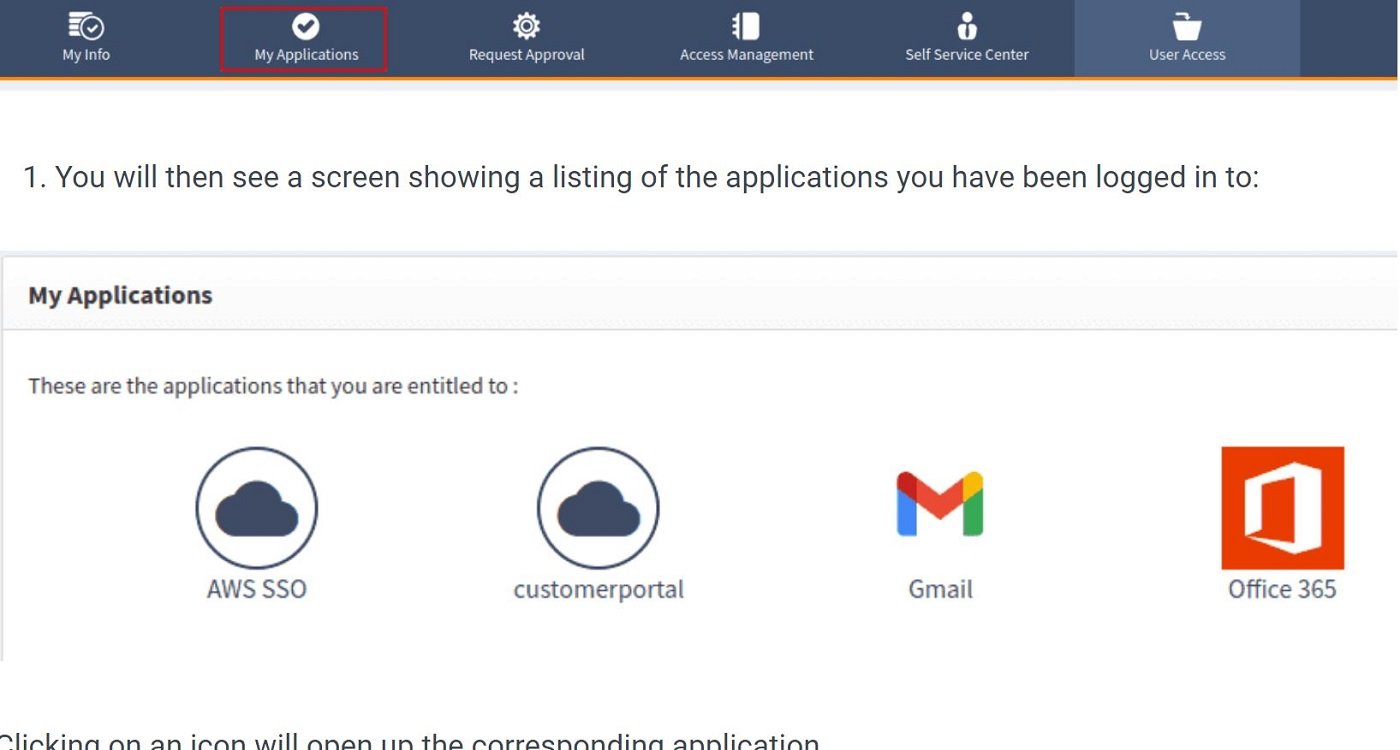
For what I consider the best for customer identity, I recommend OpenIAM. Suitable for enterprise use, OpenIAM offers organizations a set of features designed to streamline user access across various platforms. It boasts a robust web access control for identity management, diverse applications, Single Sign-On (SSO), Desktop SSO, and API integration controls. It also includes Two-Factor/Multi-Factor Authentication (2FA/MFA) and role-based access control management. In addition to these core features, I appreciate how OpenIAM provides supplementary capabilities like SSH key management, session management, and password vault, as well as several deployment options for both cloud and on-premises deployments.
Why I chose OpenIAM
I selected OpenIAM for its extensive enterprise-level features that can manage both internal and external users from a single IAM platform.
Pricing
OpenIAM is available in two versions: Community Edition (CE) and Enterprise Edition (EE). The CE is a free version of OpenIAM that customers can deploy in their environments. The CE operates as a previous generation of the Enterprise Edition. For example, when v4.2.1 of the Enterprise was released, 4.2.0.x was made available to the public as the CE. Therefore, the CE will always have fewer features than the EE.
Features
- Single sign-on using SAML 2, oAuth 2 and OpenID Connect (OIDC).
- Role-based access control.
- API integration controls.
- 2FA and MFA security.
- Automated user onboarding and offboarding.
Pros and cons
| Pros | Cons |
|---|---|
|
|
Keycloak: Best for fine-grained authorization

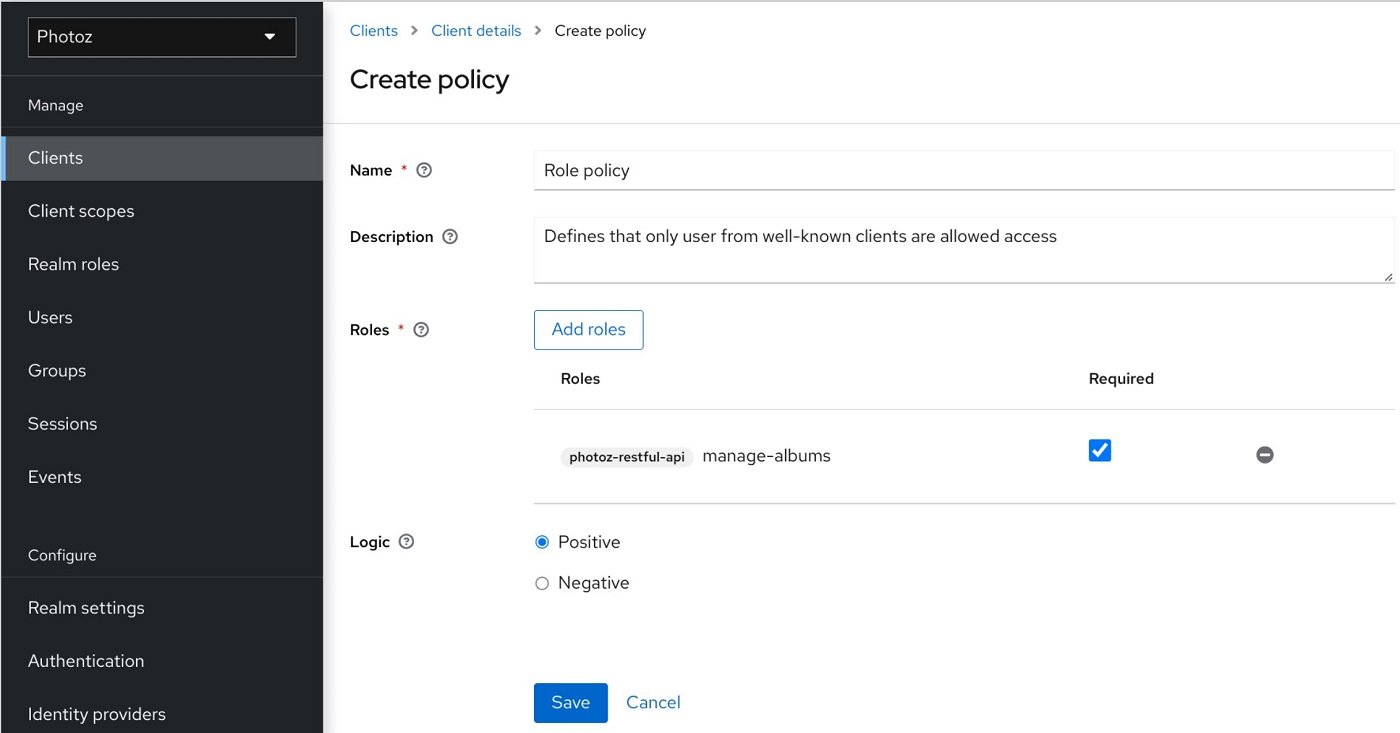
If fine-grained authentication is a priority, Keycloak’s IAM platform is my top suggestion. It offers identity brokering and social login that enable users to authenticate with existing OpenID Connect or SAML 2.0 Identity Providers and social networks. Its user federation feature allows connection to existing LDAP or Active Directory servers. Administrators can manage all aspects of the Keycloak server through its admin console. Keycloak adheres to standard protocols such as OpenID Connect, OAuth 2.0, and SAML and provides fine-grained authorization services that support different access control mechanisms like attribute-based access control (ABAC), role-based access control (RBAC), user-based access control (UBAC), rule-based access control, and context-based access control (CBAC).
Why I chose Keycloak
I have Keycloak on this list for its fine-grained authorization services, which provide precise control over access and permissions.
Pricing
This solution is free and open to all.
Features
- Identity Brokering and Social Login.
- User federation.
- Centralized management.
- Fine-grained authorization.
- Built on standard protocols.
Pros and cons
| Pros | Cons |
|---|---|
|
|
Ory: Best for seamless integration and cross-platform compatibility

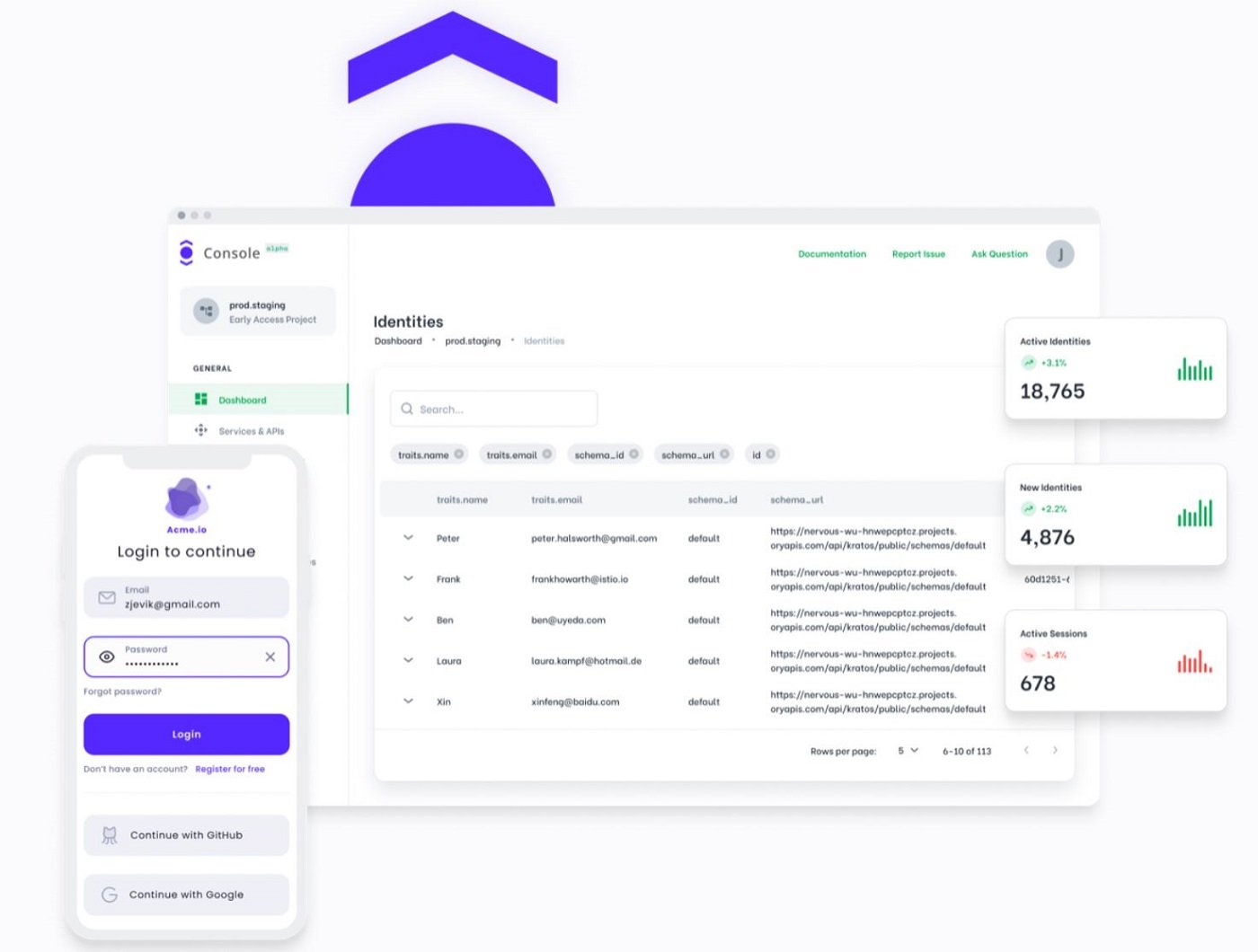
For cross-platform compatibility, Ory is a good pick. Ory offers an open-source infrastructure solution for building a zero-trust network. Its suite of open-source projects, including Ory Kratos Identity Server, Ory Hydra Federation Server, and Ory Keto Permission Server provides robust identity management, access control and authentication via standards like OAuth 2.0/2.1 and OpenID Connect. Ory’s services and APIs are developed and licensed under Apache 2.0, allowing users to contribute and understand the solution. In my view, Ory’s business and consumer products provide good value. The platform’s flexibility allows users to customize authentication and authorization experiences, while its commercial offering, Ory Network, provides scalability.
Why I chose Ory
I selected ORY because of its customizable UI, flexible deployment options, and extensive API — all of which add versatility to the tool.
Pricing
Ory is available in four plans:
- Developer: Free (sandbox, often EU-hosted).
- Production: $70/month, $770/year.
- Growth: $9,350/year.
- Enterprise: Includes Production and Growth features, plus custom SLAs, SAML support, dedicated engineers, and global compliance. Contact Ory for custom quotes.
Features
- MITREid compatibility.
- Cryptographic Key Storage.
- Robust API and intuitive CLI.
- Flexible deployment.
- OAuth2 and OpenID Connect protocol.
Pros and cons
| Pros | Cons |
|---|---|
|
|
Aerobase Server: Best for versatility

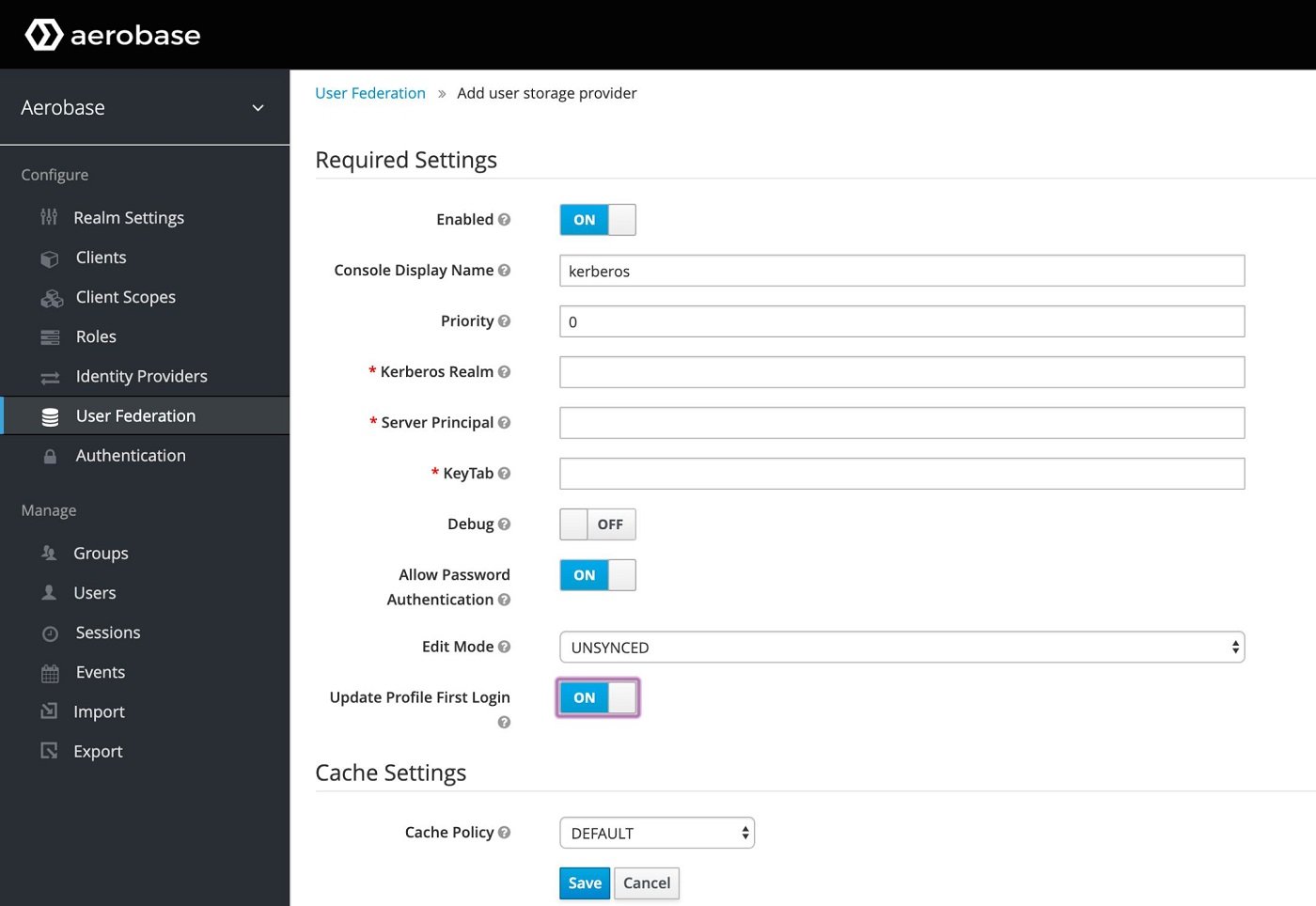
For businesses looking at versatility, Aerobase Server is my recommendation. It’s an IAM solution tailored for cloud, on-premises, and hybrid deployments. It encompasses features such as identity federation, Single Sign-On (SSO), adaptive authentication, account management, and identity provisioning. In addition to offering microservices security, it runs on the OpenID Connect, CAS, and SAML 2 protocols and integrates with third-party authentication, social identity providers, diverse applications, systems, and databases. This tool also allows users to customize IAM policies, workflows, and interfaces.
Why I chose Aerobase Server
I chose this tool for its ability to adapt seamlessly to diverse deployment scenarios — cloud, on-premises and hybrid — as well as provide IAM solutions across varied environments.
Pricing
Aerobase’s Open Source version is free. It also offers subscriptions: Basic, Enterprise, and OEM.
- Basic: $690/month (billed annually).
- Enterprise: $2,250/month (billed annually).
- OEM: Contact vendor for a quote.
Features
- OpenID Connect, SAML, and CAS.
- Fine-grained authorization.
- Identity federation.
- Multi-factor authentication.
- Cloud, on-premises and hybrid deployment.
Pros and cons
| Pros | Cons |
|---|---|
|
|
ForgeRock (Ping Identity): Best AI-driven open-source IAM

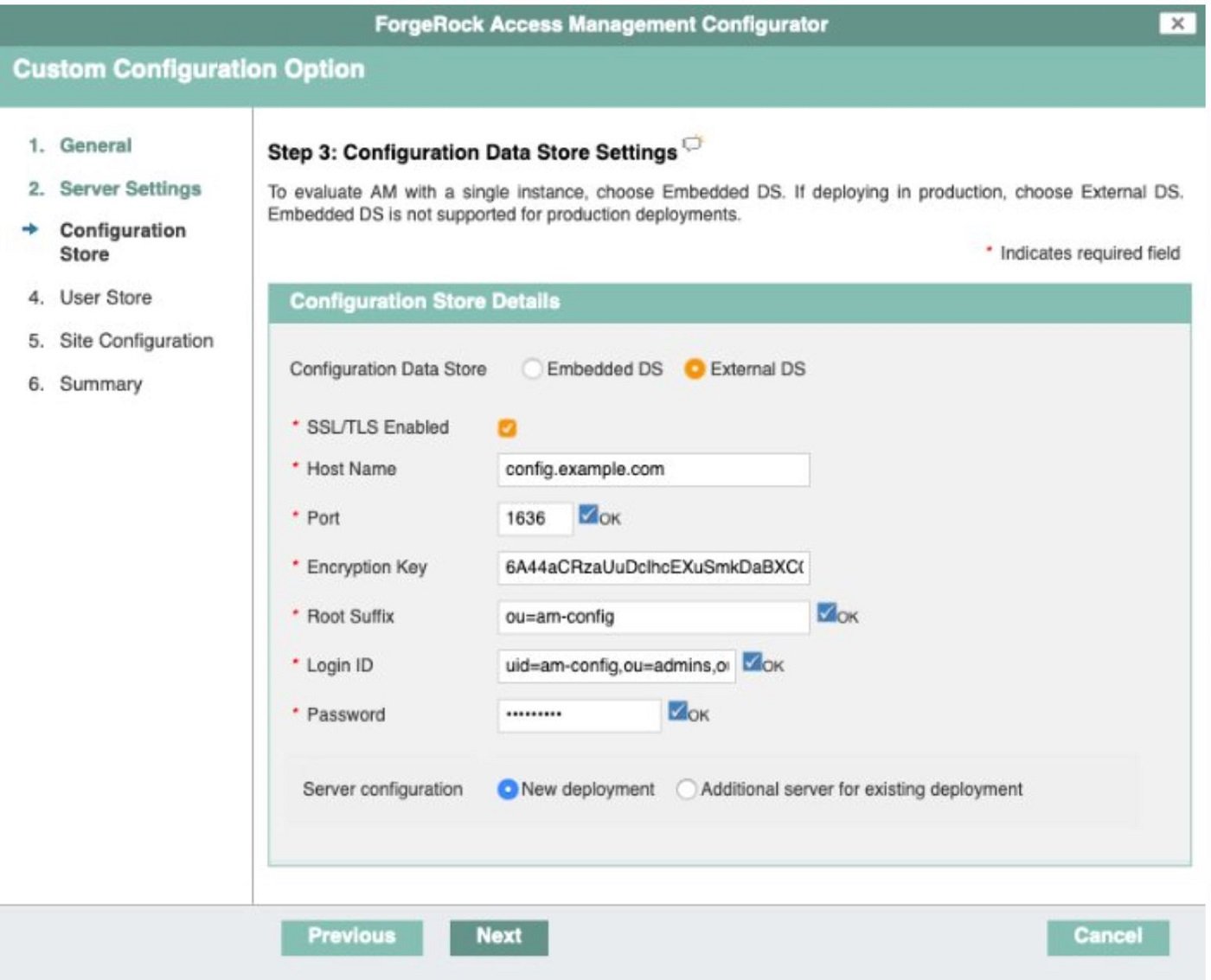
For AI-forward organizations, ForgeRock, now merged with Ping Identity, is my top pick. It provides a modern, modular, and cloud-ready platform architecture that is suitable for multi-cloud and hybrid environments. It offers advanced features in Customer and Workforce Identity Management, including fraud and risk protection, identity verification, decentralized identity, fine-grained authorization, lifecycle management, and identity governance and administration (IGA). I personally appreciate how the solution utilizes AI and Machine Learning to inspect and adapt real-time access based on behavior/user activity, accounts and roles to automatically approve, provision or certify access, ensuring end-to-end management.
Why I chose ForgeRock (Ping Identity)
I picked ForgeRock for its AI-driven IAM and emphasis on fraud and risk protection for organizations.
Pricing
ForgeRock (Ping Identity) offers two tiers: PingOne for Customers and PingOne for Workforce. Each tier has three plan options.
- PingOne for Customers
- Essential: Starting at $35K per year.
- Plus: Starting at $50K per year.
- Premium: Contact sales for pricing.
- PingOne for Workforce
- Essential: Starting at $3 per user per month, for a minimum of 5,000 users.
- Plus: Starting at $6 per user per month, for a minimum of 5,000 users.
- Premium: Contact sales for pricing.
Features
- Unified cloud administration
- Intelligent access for registration, authentication and management.
- Enterprise-grade security.
- Identity governance and administration (IGA).
- Identity lifecycle management.
Pros and cons
| Pros | Cons |
|---|---|
|
|
SEE: Intrusion Detection Policy (TechRepublic Premium)
Shibboleth Consortium: Best for higher education or research institutions

Shibboleth, developed and overseen by the Shibboleth Consortium, offers web-based single sign-on (SSO) and federated identity solutions which I recommended for consideration by higher education and research institutions. This tool provides organizations the capability to expand their user authentication systems, granting access to online resources from associated organizations and promoting seamless inter-organizational collaboration. It also offers centralized auditing and reporting capabilities for user authentication events and application access and supports federated authentication and user attribute exchange.
Why I chose Shibboleth Consortium
I have Shibboleth on this list for its standout resource-sharing capabilities and user authentication, and application access features that facilitate authentication management across organizations.
Pricing
Shibboleth Consortium offers five membership tiers. Three of the tiers have plans for small, medium and large organizations.
- NREN/Federation Members: This category has three tiers and they are billed based on the total number of Identity Providers (IdPs) and Service Providers (SPs) in their constituencies.
- Small: €12,500 / $14,800 (up to 250 IdPs & SPs).
- Medium: €25,000 / $29,600 (251-750 IdPs & SPs).
- Large: €50,000 / $59,200 (750+ IdPs & SPs).
- Academic/Non-Profit Organizations: This category has three tiers and they are billed based on the total number of users.
- Small: €2,750 / $3,256 (up to 10,000 users).
- Medium: €5,500 / $6,512 (10,000-50,000 users).
- Large: €8,250 / $9,768 (50,000+ users).
- Commercial Organizations: Charged based on revenue.
- Small: €5,500 / $6,512 (up to €10m)
- Medium: €11,000 / $13,024 (€10m-€100m)
- Large: €22,000 / $26,048 (€100m+)
The Multi-site Academic category and Principal Membership tiers are based on individual/organizational preference and they are billed at $32,560 and $25,000, respectively.
Features
- Embedded discovery service.
- Federated identity management.
- Open-source collaborations.
- Centralized auditing and reporting.
- User attributes exchange.
- Single Sign-On.
Pros and cons
| Pros | Cons |
|---|---|
|
|
Key features of open-source IAM tools
Open-source IAM tools offer a range of features that cater to the needs of organizations looking for efficient identity and access management solutions without the constraints of proprietary software. Below are some key features I recommend taking into consideration.
Identity management
This encompasses managing user identities throughout their lifecycle, including user provisioning, updating user access, de-provisioning, account management, and profile synchronization across various systems and applications. Most open-source IAM tools offer centralized identity storage and directories to store and manage user attributes, credentials and entitlements, ensuring consistency and accuracy of identity data across the organization. This enables organizations to efficiently onboard new users, update user information, enforce password policies, revoke or restore access, and deactivate or delete user accounts when necessary.
User Authentication and Authorization
Open-source IAM tools create mechanisms to verify the identity of users accessing resources within the system. This involves validating credentials, such as usernames and passwords, against a user database or directory. Once a user’s identity is confirmed, the tool implements access controls to determine what resources the user is permitted to access and what actions they can perform. These authorization policies are defined by user roles, permissions, attributes, and contextual information.
Single Sign-On (SSO)
This feature allows users to log in once and gain access to multiple applications and services without having to re-enter their credentials separately for each one. Open-source tools use diverse protocols such as SAML, OAuth, CAS, and OpenID Connect to enable seamless authentication and access to resources with a single login across different systems and domains.
Multi-Factor Authentication (MFA)
MFA enhances security by requiring users to provide multiple forms of verification before accessing sensitive resources. This involves a combination of factors such as passwords, OTPs, biometrics, security questions, and sometimes passkeys. Open-source IAM solutions integrate MFA capabilities to strengthen authentication processes and mitigate the risk of unauthorized access, especially in environments where security is a top priority.
Audit and Compliance
Open-source IAM Solutions offer auditing and reporting functionalities to track user activities, access attempts, and administrative changes within the system. The audit logs capture relevant information such as user login/logout events, access to sensitive resources, policy changes, and security incidents — helping organizations maintain visibility into their IAM environment and ensuring compliance with regulatory requirements (e.g., GDPR, HIPAA, PCI-DSS).
How do I choose the best open-source IAM tool for my business?
When choosing an open-source AIM tool for your business, I recommend considering the size of your organization, the industry you’re in, and the complexity of your IT infrastructure. Evaluating the features of the IAM tool is another important step. Look for capabilities such as user provisioning, authentication, authorization, and audit capabilities. The tool’s scalability and flexibility are also key, as they ensure the tool can grow with your business and adapt to changing needs. Community support and the frequency of updates are other important factors I suggest checking for in an open-source tool, as they can indicate the tool’s reliability and longevity.
Methodology
To build this list of the best open-source IAM tools, I focused on platforms with strong market visibility, active community backing, and feature sets robust enough to support real identity and access management needs. My goal was to identify open-source options that stand out not just for availability, but for their maturity, flexibility, and practical value in real-world environments.
Each product was evaluated using consistent criteria that reflect how organizations compare IAM software, including the following categories:
Feature depth: I looked at the strength and breadth of each platform’s IAM capabilities, with close attention to the features most essential for identity, authentication, access control, and administration.
Community support: I considered the size and activity of each project’s community, along with the availability of documentation, updates, and other resources that help teams deploy and maintain the software.
Popularity and market presence: I reviewed how widely recognized and adopted each tool appears to be, using overall visibility and industry presence as indicators of relevance and staying power.
Usability and implementation fit: I considered how clearly each platform presents its capabilities, how approachable it appears for teams evaluating deployment, and whether it seems suited to a range of organizational needs.
Reputation and external validation: I incorporated information from vendor sites, demo materials, user reviews, and industry reporting to better understand how each tool performs beyond its own marketing.
My evaluation was based on extensive market research rather than hands-on testing. Because I did not have a live testing environment, I relied on product documentation, demo videos, vendor resources, third-party reviews, and industry reports to compare the tools and assess their overall strengths.
This article was published in February 2024. It was updated in March 2026.
Read the full article here