


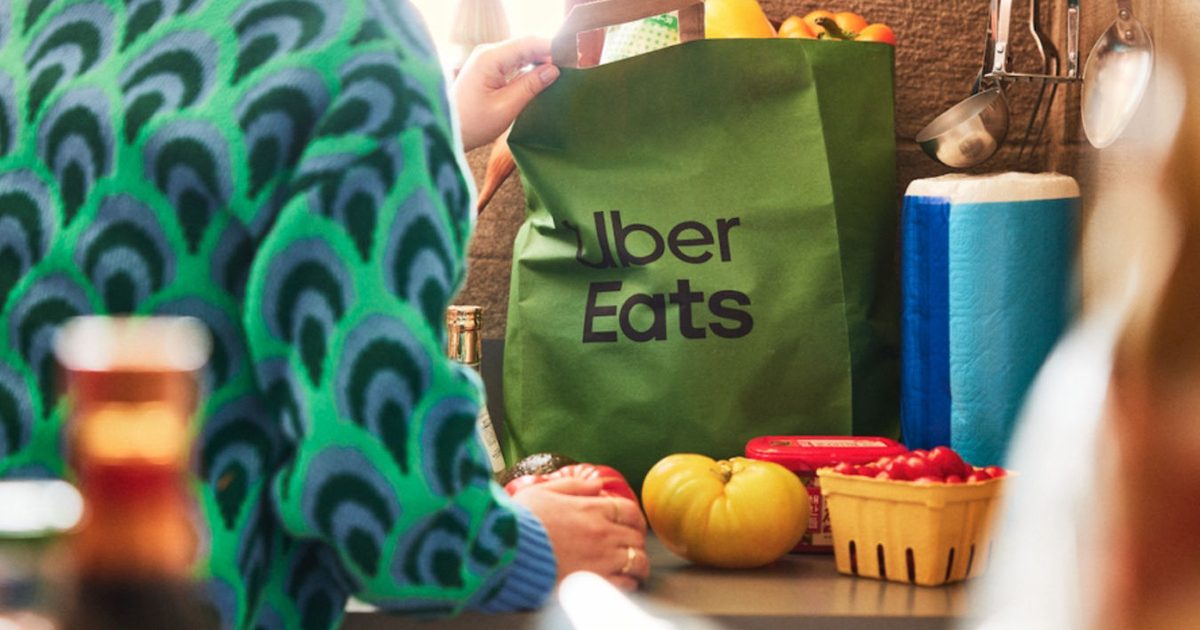

Uber Eats is testing a new feature that tries to remove the most annoying part of ordering groceries, the endless searching and tapping. It’s called Cart Assistant, and it can take a typed list or an image and draft a basket for you inside the app.
It’s rolling out as a beta. You’ll see it as a purple icon on a grocery store storefront after you search for the store from the home screen.
Uber hasn’t said exactly which stores and cities get it first, or whether any devices are excluded. It frames the launch as a US release and an early step toward more agent-style help in Uber Eats, where the app handles setup and you handle decisions.
It turns notes into a basket
Cart Assistant is built for the moment you already know what you need. Paste in your grocery notes, or upload an image, including a photo of handwritten items or a screenshot of recipe ingredients, and the app translates that into shoppable picks.
As it drafts the basket, Uber says it checks store availability and surfaces store-level details like pricing and promotions. Then you can edit normally. Swap brands, adjust sizes, remove extras, or keep browsing before checkout.
Repeat orders get smarter
Uber says Cart Assistant uses your past orders to prioritize familiar staples, which should cut down the time it takes to restock the same basics each week. That’s the kind of AI that earns its keep, because it saves effort without changing how you shop.
It also hints at where Uber wants to go next. The company positions this beta as part of a broader move toward agentic AI, meaning the app can take on multi-step tasks and hand you a result you can still tweak.
Where it helps, and where it may not
You’ll notice Cart Assistant most on routine grocery runs, when you want a solid first draft and you’re happy to fine-tune the last details. It’s less about discovery and more about getting the boring part done.
There’s one catch Uber hasn’t addressed yet, image accuracy. How well it handles low light, cramped handwriting, or very specific branded ingredients will decide whether it feels like magic or like extra cleanup.
Treat it like a draft, not autopilot. If you spot the purple icon, try a short list first, then scale up once you trust its picks on sizes and brands.
Read the full article here